Cloud Security Architecture Best Practices: A Complete Guide to Securing Modern Cloud Environments
Updated on February 13, 2026, by Xcitium
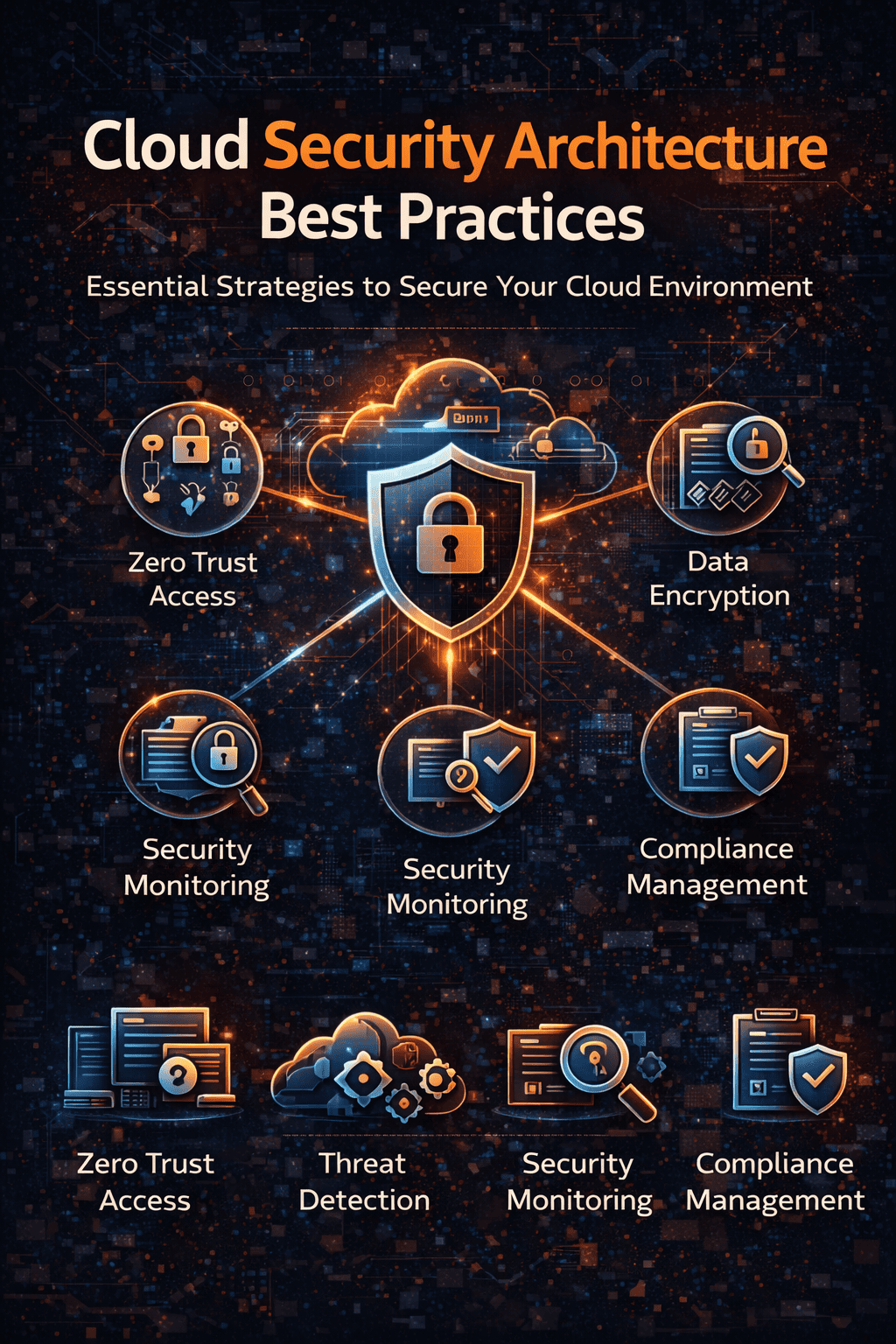
Cloud adoption continues to surge across industries. Organizations are rapidly shifting to public, private, and hybrid cloud environments to improve scalability and operational efficiency. But here’s the real question:
Is your cloud security architecture strong enough to protect your cloud infrastructure against modern cyber threats?
According to industry reports, misconfigured cloud environments remain one of the leading causes of data breaches. Without a clearly defined cloud security framework, businesses risk exposing sensitive data, violating compliance requirements, and losing customer trust.
This guide outlines proven cloud security architecture best practices, along with actionable steps to strengthen your cloud security strategy and protect critical workloads.
What Is Cloud Security Architecture?
Cloud security architecture is the structured design of security controls, technologies, and policies that protect cloud infrastructure, applications, and data.
A robust cloud security architecture typically includes:
-
Identity and Access Management (IAM)
-
Network segmentation and micro-segmentation
-
Data encryption (at rest and in transit)
-
Cloud workload protection
-
Continuous threat monitoring
-
Compliance and governance controls
Unlike traditional perimeter-based security, cloud infrastructure security must adapt to dynamic workloads, shared responsibility models, and distributed environments.
Why Cloud Security Architecture Is Critical
A poorly designed cloud environment increases risk exposure in several ways:
-
Over-permissioned accounts enable insider threats
-
Insecure APIs create attack surfaces
-
Unencrypted storage exposes sensitive data
-
Lack of visibility delays threat detection
-
Multi-cloud environments increase complexity
A strong cloud security design strategy ensures protection is built into the foundation of your infrastructure—not layered on afterward.
12 Cloud Security Architecture Best Practices
Below are the most effective best practices to improve your cloud security framework and reduce risk.
1. Adopt a Zero Trust Cloud Security Model
Zero Trust cloud security assumes no user, device, or workload should be trusted automatically.
Key implementation steps:
-
Verify identity continuously
-
Enforce least privilege access
-
Segment workloads and restrict lateral movement
-
Monitor behavior in real time
Zero Trust significantly reduces the blast radius of an attack within cloud environments.
2. Strengthen Identity and Access Management (IAM)
IAM is the backbone of cloud infrastructure security.
Best practices include:
-
Enforce Multi-Factor Authentication (MFA)
-
Apply Role-Based Access Control (RBAC)
-
Remove inactive accounts
-
Limit administrative privileges
-
Rotate credentials and API keys regularly
Identity mismanagement remains one of the top cloud security risks.
3. Secure Multi-Cloud and Hybrid Cloud Environments
Organizations increasingly operate in multi-cloud security architecture models.
To maintain consistent protection:
-
Standardize security policies across providers
-
Centralize logging and visibility
-
Monitor inter-cloud traffic
-
Apply unified compliance frameworks
Hybrid cloud security requires coordination between on-prem and cloud security teams.
4. Encrypt Data Everywhere
Encryption is fundamental to cloud data protection.
Implement:
-
Encryption at rest for databases and storage
-
TLS 1.2+ encryption for data in transit
-
Secure key management solutions
-
Automated key rotation
Data encryption safeguards sensitive information even if unauthorized access occurs.
5. Implement Cloud Network Segmentation
Proper segmentation prevents attackers from moving freely.
Use:
-
Virtual Private Clouds (VPCs)
-
Subnet isolation
-
Micro-segmentation
-
Secure firewall policies
-
East-west traffic inspection
Effective cloud network security limits lateral movement and reduces attack impact.
6. Deploy Cloud Workload Protection
Cloud workloads require runtime protection.
Best practices:
-
Monitor container activity
-
Protect Kubernetes clusters
-
Detect anomalous workload behavior
-
Integrate endpoint detection and response (EDR)
Cloud workload protection platforms (CWPP) enhance visibility into dynamic environments.
7. Secure APIs and Application Layers
APIs are essential but frequently targeted.
Protect APIs by:
-
Enforcing authentication and authorization
-
Applying rate limits
-
Validating input data
-
Monitoring abnormal API usage
Application-layer security strengthens your overall cloud security posture.
8. Automate Cloud Security Compliance
Manual compliance monitoring does not scale.
Automate:
-
PCI-DSS checks
-
HIPAA compliance verification
-
GDPR data controls
-
CIS benchmark alignment
Automation ensures your cloud security framework stays aligned with regulatory requirements.
9. Enable Continuous Monitoring and Threat Detection
Visibility is everything in cloud security.
Implement:
-
Real-time log monitoring
-
Behavioral analytics
-
AI-driven anomaly detection
-
Automated alerting
Continuous monitoring helps detect threats before they escalate.
10. Integrate DevSecOps Security Best Practices
Security must shift left.
Embed security into DevOps workflows by:
-
Scanning Infrastructure as Code (IaC)
-
Automating vulnerability scanning
-
Testing container security
-
Enforcing policy-as-code
DevSecOps reduces vulnerabilities before production deployment.
11. Regularly Assess Cloud Security Posture
Cloud Security Posture Management (CSPM) tools identify misconfigurations and compliance gaps.
Regular audits help:
-
Detect shadow IT
-
Identify risky permissions
-
Prevent configuration drift
-
Improve cloud governance
12. Develop a Cloud Incident Response Plan
Even with strong defenses, incidents may occur.
Your cloud-specific response plan should include:
-
Defined roles and responsibilities
-
Automated containment strategies
-
Cloud forensic capabilities
-
Backup and disaster recovery procedures
Preparation ensures faster containment and minimal disruption.
Common Cloud Security Mistakes to Avoid
Avoid these common pitfalls:
-
Relying solely on cloud provider native tools
-
Ignoring shared responsibility models
-
Overlooking endpoint security
-
Skipping regular configuration audits
-
Treating cloud security as a one-time project
Cloud security architecture requires continuous improvement.
Frequently Asked Questions (FAQ)
1. What are cloud security architecture best practices?
Cloud security architecture best practices include Zero Trust implementation, IAM hardening, encryption, network segmentation, workload protection, compliance automation, and continuous monitoring.
2. What is the difference between cloud security architecture and a cloud security framework?
Cloud security architecture refers to the technical design of controls, while a cloud security framework provides structured guidelines and standards for implementing those controls.
3. How does Zero Trust improve cloud infrastructure security?
Zero Trust enforces continuous identity verification and least privilege access, reducing the risk of lateral movement and insider threats.
4. What is multi-cloud security architecture?
Multi-cloud security architecture ensures consistent security policies, monitoring, and governance across multiple cloud providers such as AWS, Azure, and Google Cloud.
5. How often should organizations review their cloud security strategy?
Organizations should review their cloud security strategy quarterly or whenever major infrastructure changes occur.
Strengthen Your Cloud Security Architecture Today
A secure cloud security architecture is no longer optional—it’s a business imperative. As cyber threats grow more sophisticated, organizations must adopt proactive, automated, and unified cloud security strategies.
If you’re ready to strengthen your cloud infrastructure security with Zero Trust protection, advanced endpoint defense, and real-time threat visibility—
👉 Request a personalized demo today:
https://www.xcitium.com/request-demo/
Build a resilient cloud security architecture that prevents breaches before they happen.