Computer Security Best Practices: Safeguarding Your Digital World
Updated on April 15, 2025, by Xcitium
In today’s hyper-connected landscape, computer security is more critical than ever. Cyber threats evolve daily, from phishing scams to ransomware attacks, targeting individuals and businesses alike. Adopting computer security best practices isn’t just a recommendation—it’s a necessity to protect your data, privacy, and peace of mind.
Strategies to Stay Ahead of Cybercriminals
- Strengthen Passwords and Enable Multi-Factor Authentication (MFA)
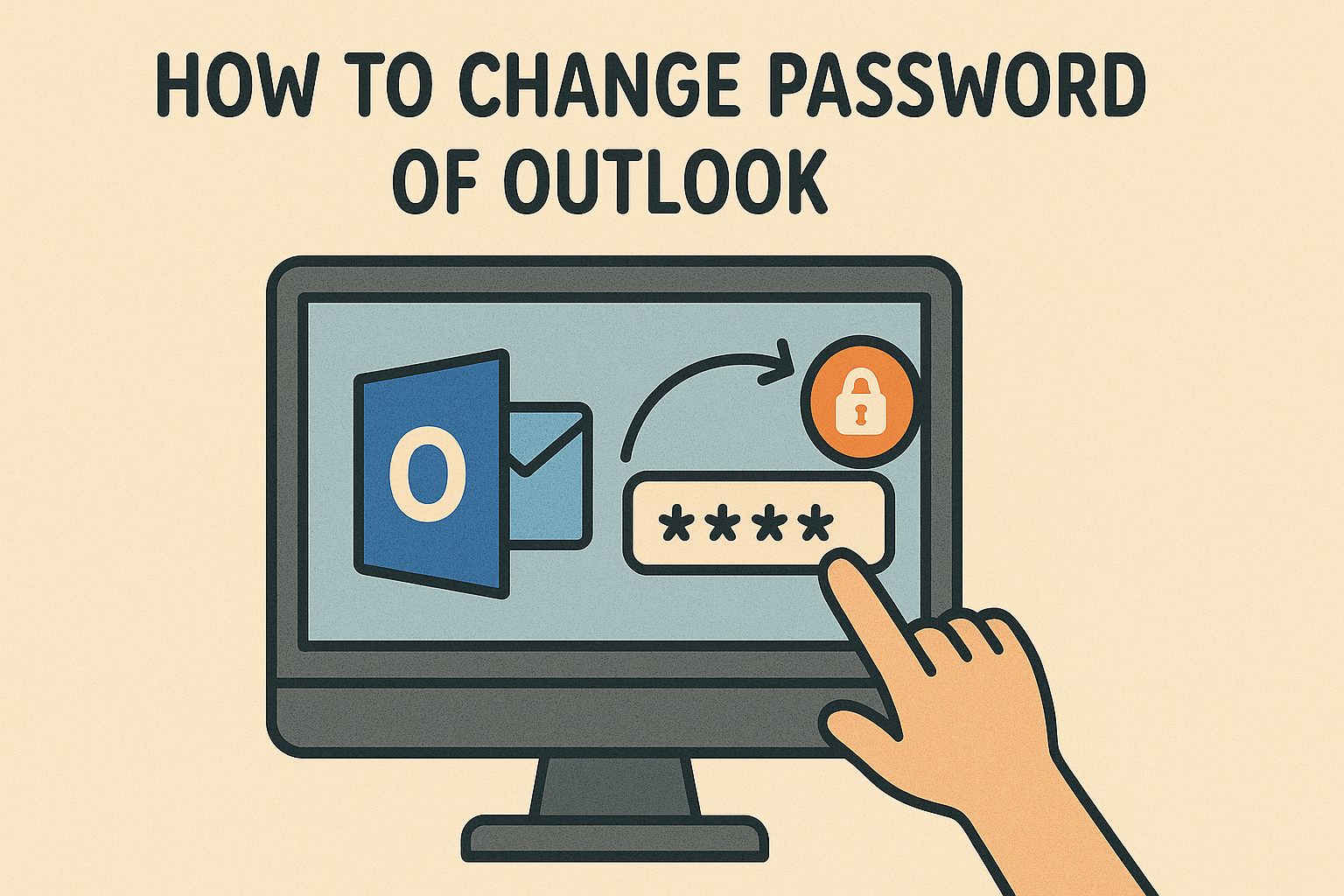
Weak passwords remain a top vulnerability. Use complex, unique passwords for every account—think 12+ characters with a mix of letters, numbers, and symbols. Better yet, leverage a password manager to keep track of them. Pair this with Multi-Factor Authentication (MFA), which adds an extra layer of security by requiring a second verification step, like a text code or app notification. MFA is non-negotiable for email, banking, and workplace systems.
- Keep Software and Systems Updated
Outdated software is a hacker’s playground. Regularly update your operating system, applications, and antivirus programs to patch vulnerabilities. Enable automatic updates where possible to ensure you’re always running the latest, most secure versions. With zero-day exploits on the rise, staying current is one of the simplest yet most effective computer security best practices.
- Beware of Phishing and Social Engineering
Phishing attacks have grown sneakier, often masquerading as legitimate emails, texts, or even voice calls. Verify sender identities, avoid clicking suspicious links, and never share personal information unless you’re 100% certain of the source. AI-driven phishing attempts are more convincing, so skepticism is your first line of defense.
- Secure Your Wi-Fi Network
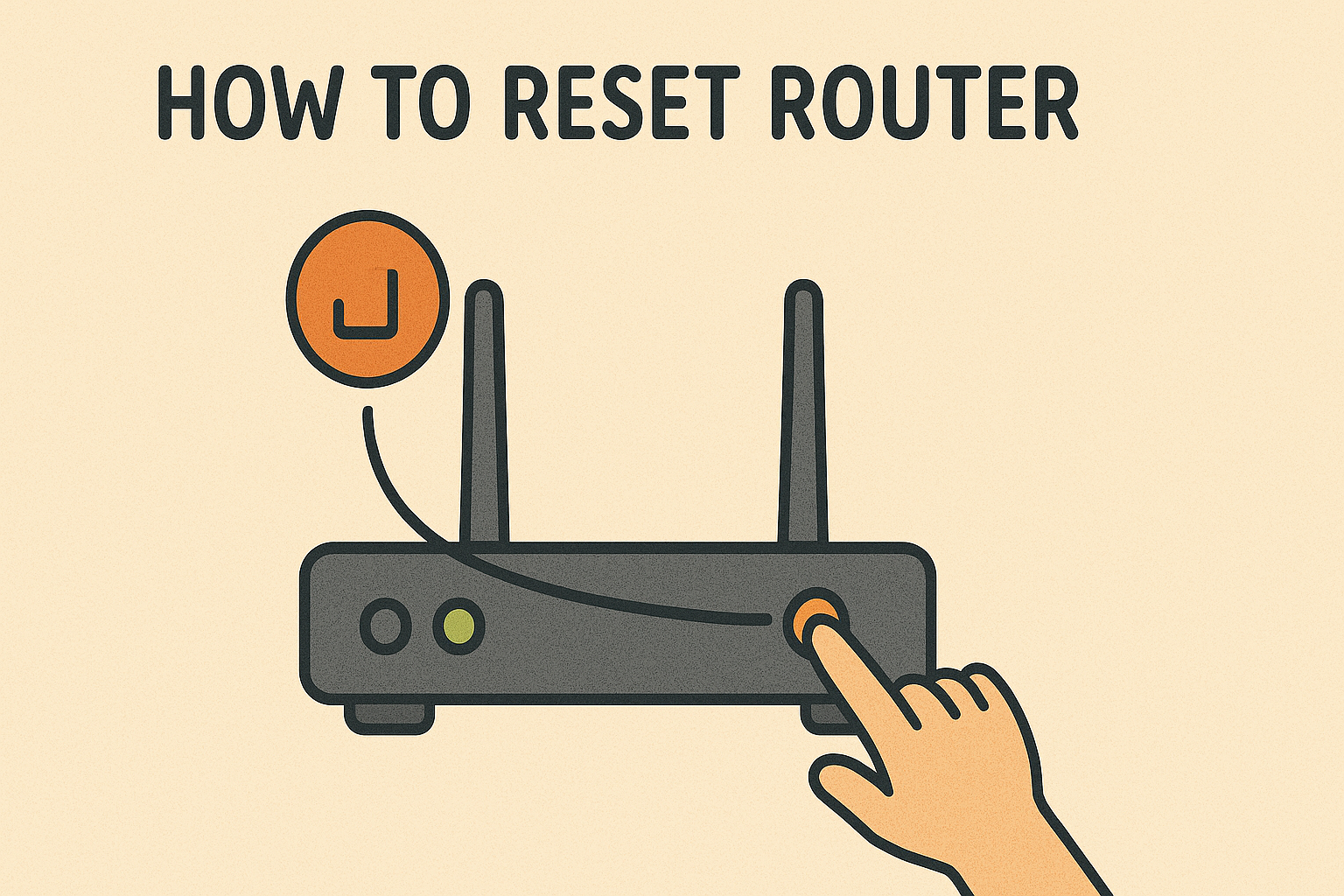
An unsecured Wi-Fi network is an open door for attackers. Use a strong, unique password for your router and enable WPA3 encryption—the latest standard for wireless security. Hide your network’s SSID to make it less visible to outsiders, and consider a VPN for added protection, especially on public Wi-Fi.
- Back Up Data Regularly
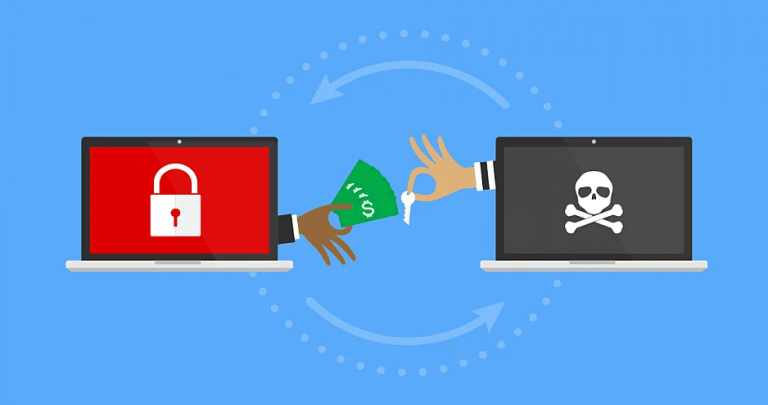
Ransomware can lock you out of your files, but regular backups can save the day. Store backups on an external drive or a secure cloud service, and test them periodically to ensure they’re recoverable. Automate this process to stay consistent—daily for businesses, weekly for personal use.
- Install and Maintain Robust Antivirus Software
A reliable antivirus program is your frontline defense against malware, spyware, and viruses. Choose a reputable solution with real-time scanning and automatic updates. look for tools with AI-enhanced threat detection to combat sophisticated attacks.
- Limit User Permissions and Monitor Activity
Not everyone needs admin access. Restrict permissions to minimize damage from compromised accounts, especially in workplace settings. Regularly review logs and activity to spot unusual behavior early—proactive monitoring is a key computer security best practice.
- Educate Yourself and Your Team
Cybersecurity isn’t just tech—it’s people, too. Stay informed about emerging threats like deepfake scams or IoT vulnerabilities. If you manage a team, invest in training to ensure everyone knows how to spot and report risks. Knowledge is power in the fight against cybercrime.
Why Computer Security Matters Now More Than Ever
With remote work, smart devices, and cloud reliance at an all-time high, the attack surface has expanded. A single breach can cost you time, money, and trust. Implementing these computer security best practices not only protects your digital assets but also builds resilience in an unpredictable online world.
Ready to level up your defenses? Click Here to see Xcitium’s Unified Zero Trust Platform in action!