Which of the Following is a Potential Insider Threat Indicator? A Complete Guide for Business and Security Leaders
Updated on August 22, 2025, by Xcitium
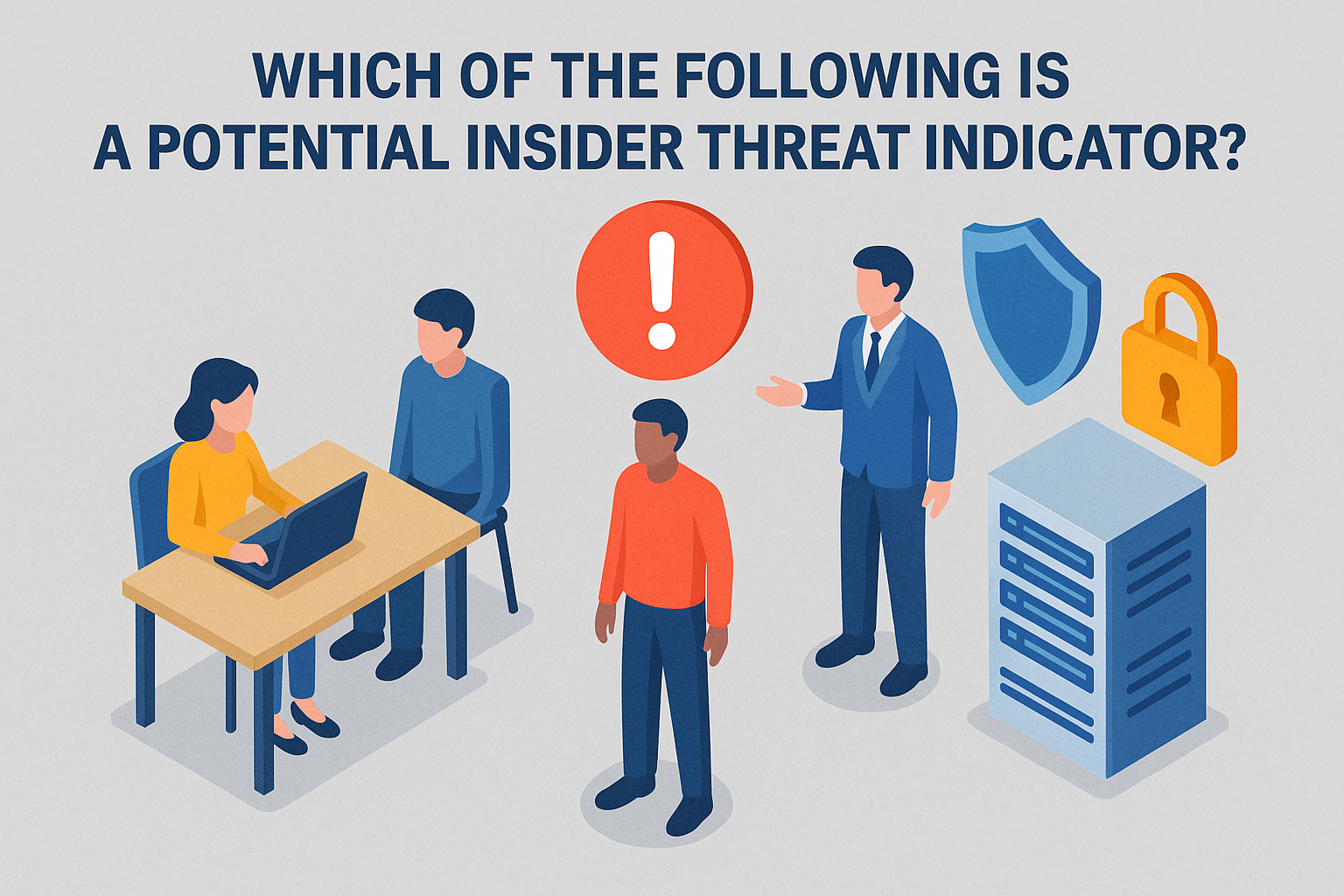
When most executives think about cybersecurity, they imagine hackers outside the organization. But the reality is different—some of the biggest risks come from within. This raises a critical question: which of the following is a potential insider threat indicator, and how can you spot it before damage is done?
According to Verizon’s 2023 Data Breach Investigations Report, over 20% of breaches involve insiders. Unlike external hackers, insiders already have legitimate access to systems, making them harder to detect. For IT managers, CEOs, and cybersecurity leaders, identifying insider threat indicators is essential to prevent data loss, financial damage, and reputational harm.
This guide explains what insider threats are, key warning signs, examples of potential indicators, and best practices to protect your organization.
What is an Insider Threat?
An insider threat is any risk posed by individuals within an organization who misuse their authorized access to harm the company.
Types of Insider Threats:
- Malicious Insiders: Employees or contractors intentionally stealing or sabotaging data.
- Negligent Insiders: Well-meaning staff making careless mistakes (e.g., clicking phishing links).
- Compromised Insiders: Employees whose accounts are hijacked by attackers.
✅ In simple terms: An insider threat is not always malicious, but always dangerous.
Which of the Following is a Potential Insider Threat Indicator?
When answering this question, the truth is that there are multiple indicators. Organizations must look for behavioral, technical, and organizational red flags.
Common Insider Threat Indicators:
- Unusual Data Access Patterns
- Accessing files not related to job duties.
- Downloading large volumes of sensitive data.
- Unauthorized Use of External Devices
- Plugging in USB drives without approval.
- Attempting to bypass security controls.
- Frequent Policy Violations
- Ignoring cybersecurity protocols.
- Repeatedly attempting to access restricted areas.
- Disgruntled Behavior
- Expressing dissatisfaction with management or salary.
- Sudden changes in attitude or productivity.
- Excessive Privilege Requests
- Asking for higher access without business justification.
- Attempting to override security controls.
- Odd Work Hours or Remote Logins
- Logging in during unusual times.
- Accessing networks from unusual locations.
Real-World Examples of Insider Threat Indicators
When asking which of the following is a potential insider threat indicator, real-world cases show the risks:
- Edward Snowden (NSA): Unusual access to classified files, downloading large datasets.
- Target Breach (2013): Compromised third-party vendor credentials exploited.
- Capital One (2019): Insider knowledge exploited misconfigured systems.
Each case had clear warning signs—but they were either missed or ignored.
Why Insider Threats Are Hard to Detect
Unlike external threats, insider risks are subtle. Employees already have legitimate access, making detection challenging.
Barriers to Detection:
- Trust Bias: Companies trust employees and contractors.
- Noise in Logs: Abnormal activity is buried under normal operations.
- Fear of Privacy Invasion: Monitoring employee behavior is sensitive.
This makes early identification of indicators even more critical.
Cybersecurity Impact of Insider Threats
When insider threats succeed, the impact is severe.
Consequences:
- Data Breaches: Exposing sensitive customer or business data.
- Financial Losses: Regulatory fines, lawsuits, and lost business.
- Reputation Damage: Eroded trust from customers and investors.
- Operational Disruption: Sabotage can bring systems offline.
✅ For CEOs, insider threats represent business risk as much as cybersecurity risk.
Best Practices for Detecting Insider Threat Indicators
Now that we’ve answered which of the following is a potential insider threat indicator, the next step is prevention.
Key Strategies:
- Implement User Behavior Analytics (UBA/UEBA)
- Monitor anomalies in data access, logins, and file transfers.
- Adopt the Principle of Least Privilege (PoLP)
- Employees should only have access necessary for their role.
- Conduct Regular Security Training
- Educate employees on phishing, data handling, and compliance.
- Deploy Data Loss Prevention (DLP) Tools
- Block unauthorized data transfers via email, cloud, or USB.
- Establish Clear Reporting Channels
- Encourage employees to report suspicious behavior.
- Run Insider Threat Programs
- Dedicated teams or frameworks focused on internal risks.
Role of IT Managers and CEOs in Insider Threat Mitigation
Leadership plays a crucial role in addressing insider risks.
- IT Managers: Implement monitoring tools, update policies, and manage access.
- Cybersecurity Leaders: Conduct regular risk assessments and threat hunting.
- CEOs & Executives: Build a culture of security and trust without micromanagement.
✅ Insider threat prevention requires technical controls and cultural awareness.
The Future of Insider Threat Detection
Emerging technologies are helping organizations better identify potential insider threats.
Trends to Watch:
- AI-Powered Monitoring: Machine learning identifies subtle behavioral shifts.
- Zero Trust Security Models: “Never trust, always verify” access policies.
- Cloud Security Tools: Protecting remote workers in hybrid environments.
- Integrated Risk Management (IRM): Combining cybersecurity, compliance, and HR data.
The goal is to detect insider threat indicators earlier and respond faster.
Frequently Asked Questions (FAQ)
Q1: Which of the following is a potential insider threat indicator?
Examples include unusual data access, unauthorized USB use, policy violations, or disgruntled employee behavior.
Q2: Are all insider threats malicious?
No. Many result from negligence or compromised accounts, not intentional sabotage.
Q3: How can companies monitor insider threats without invading privacy?
By focusing on behavioral anomalies and data security events rather than personal communications.
Q4: What tools help detect insider threat indicators?
SIEM, UEBA, DLP, and Zero Trust platforms are most effective.
Q5: Which industries face the highest insider threat risks?
Finance, healthcare, government, and tech—due to sensitive data and compliance demands.
Conclusion: Stay Ahead of Insider Threat Indicators
So, which of the following is a potential insider threat indicator? The answer is not one, but many—ranging from unusual data access and unauthorized devices to disgruntled employee behavior.
For IT managers, the challenge is building technical defenses that flag anomalies. For cybersecurity leaders, it’s about proactive monitoring and risk assessment. And for CEOs, insider threats represent a business-critical issue tied to trust, compliance, and resilience.
By investing in the right tools, policies, and culture, organizations can detect insider threats early—and stop them before they cause lasting damage.
👉 Want to protect your enterprise against insider threats? Request a demo with Xcitium today and discover how to safeguard your business with enterprise-grade cybersecurity.