What Is Firewall in Computer? A Complete Guide for Cybersecurity
Updated on September 23, 2025, by Xcitium
Have you ever wondered what is firewall in computer systems and why every business, from startups to Fortune 500 companies, relies on them? In a world where cyberattacks happen every 39 seconds, firewalls act as the first line of defense against malicious traffic and unauthorized access.
In simple terms, a firewall is like a digital security guard. It monitors incoming and outgoing traffic, decides which data packets are safe, and blocks potential threats. For IT managers, cybersecurity professionals, and business leaders, understanding how firewalls work is critical to protecting sensitive data and maintaining compliance.
This article will explain what is firewall in computer, how it works, its types, and why it’s a must-have in today’s cybersecurity strategy.
What Is Firewall in Computer?
A firewall in computer systems is a network security device or software that filters traffic between a private network and external sources like the internet. It enforces rules that determine which traffic is allowed or denied.
Think of it as a checkpoint at the border: trusted traffic passes through, while suspicious or harmful traffic gets stopped.
Key purposes of a firewall:
-
Protect computers and networks from hackers and malware.
-
Prevent unauthorized access to sensitive data.
-
Enforce organizational security policies.
How Does a Firewall Work?
Firewalls use rules and policies to inspect data packets moving through a network.
Here’s the process simplified:
-
Traffic Monitoring – Firewalls watch all incoming and outgoing data.
-
Packet Filtering – Each data packet is inspected for source, destination, and type.
-
Rule Matching – If a packet meets security policies, it’s allowed; if not, it’s blocked.
-
Alerts & Logging – Suspicious attempts are recorded and can trigger alerts.
👉 Example: If a hacker tries to connect to your internal server, the firewall can block their IP address instantly.
Types of Firewalls
Different firewalls are used depending on organizational needs:
1. Packet-Filtering Firewall
-
Oldest and simplest type.
-
Examines headers of data packets.
-
Fast but limited in detecting complex threats.
2. Stateful Inspection Firewall
-
Tracks active connections.
-
More secure than simple packet filtering.
3. Proxy Firewall
-
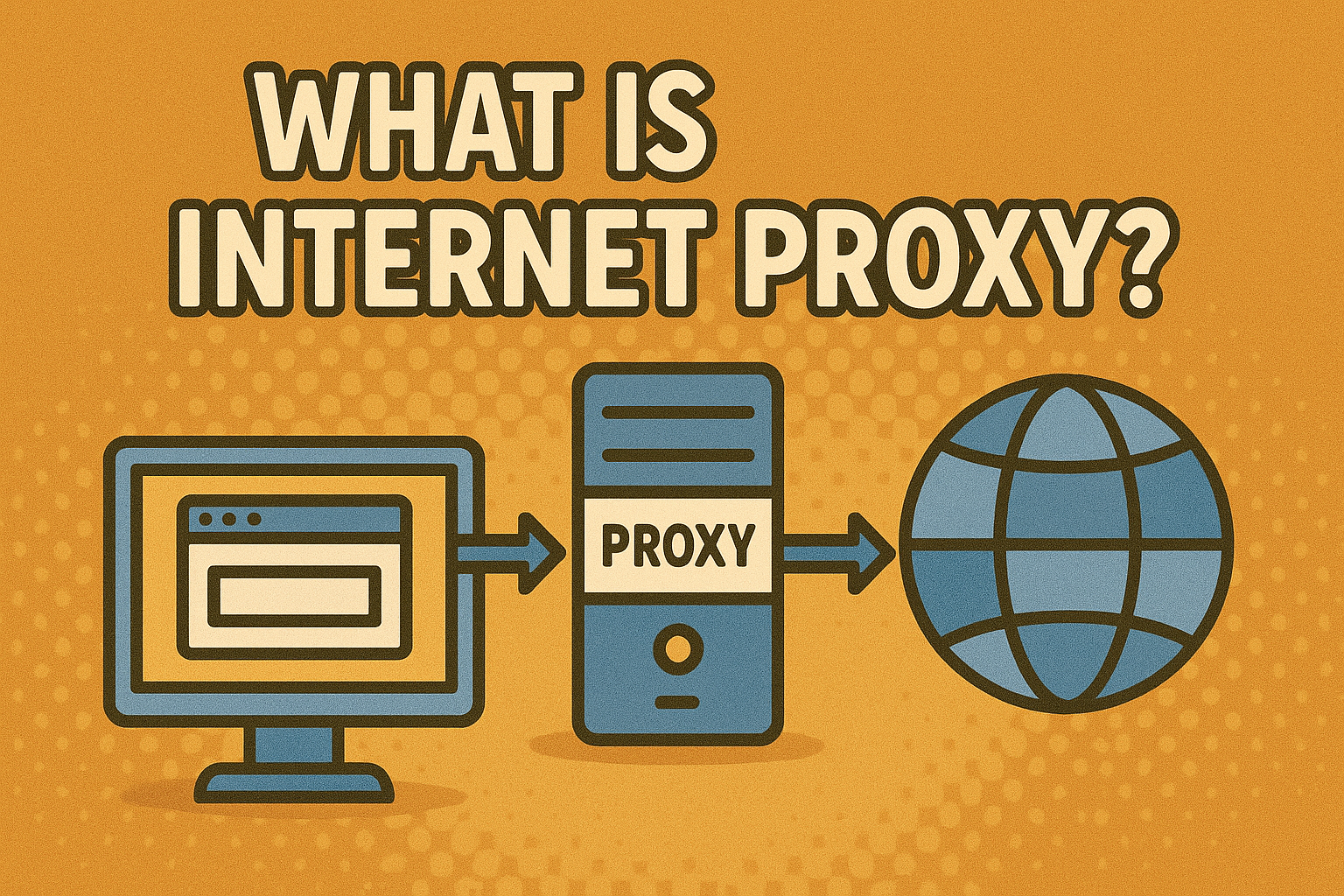
Acts as an intermediary between users and the internet.
-
Masks internal IP addresses for privacy.
4. Next-Generation Firewall (NGFW)
-
Includes deep packet inspection, intrusion prevention, and advanced threat detection.
-
Essential for modern enterprises.
5. Cloud Firewalls
-
Hosted in the cloud.
-
Perfect for businesses using cloud services and remote workforces.
Why Businesses Need Firewalls
For IT managers and CEOs, firewalls are not just technical tools—they are business essentials.
Benefits include:
-
🔒 Stronger Security – Blocks malware, ransomware, and unauthorized access.
-
🌐 Network Segmentation – Protects critical systems by dividing networks.
-
📊 Compliance Support – Helps meet GDPR, HIPAA, and PCI DSS requirements.
-
📈 Business Continuity – Prevents costly downtime due to cyber incidents.
Without a firewall, networks are left wide open to cybercriminals, making it easier for them to steal data or install malicious software.
Firewalls vs. Antivirus: Do You Need Both?
A common misconception is that a firewall alone is enough. In reality, firewalls and antivirus solutions serve different purposes:
-
Firewall: Acts as a gatekeeper, controlling access.
-
Antivirus: Detects and removes malicious software already inside your system.
👉 For complete protection, businesses need both firewalls and endpoint security solutions.
Common Challenges with Firewalls
While firewalls are powerful, they also come with challenges:
-
⚠️ Configuration Complexity – Misconfigured firewalls may create vulnerabilities.
-
📉 False Positives – Legitimate traffic may be blocked.
-
💸 Cost for Advanced Solutions – Next-gen firewalls can be expensive.
-
🛠️ Maintenance – Requires ongoing updates to remain effective.
Best Practices for Firewall Security
To maximize protection, organizations should follow these best practices:
-
Use Next-Gen Firewalls – Traditional firewalls alone are insufficient.
-
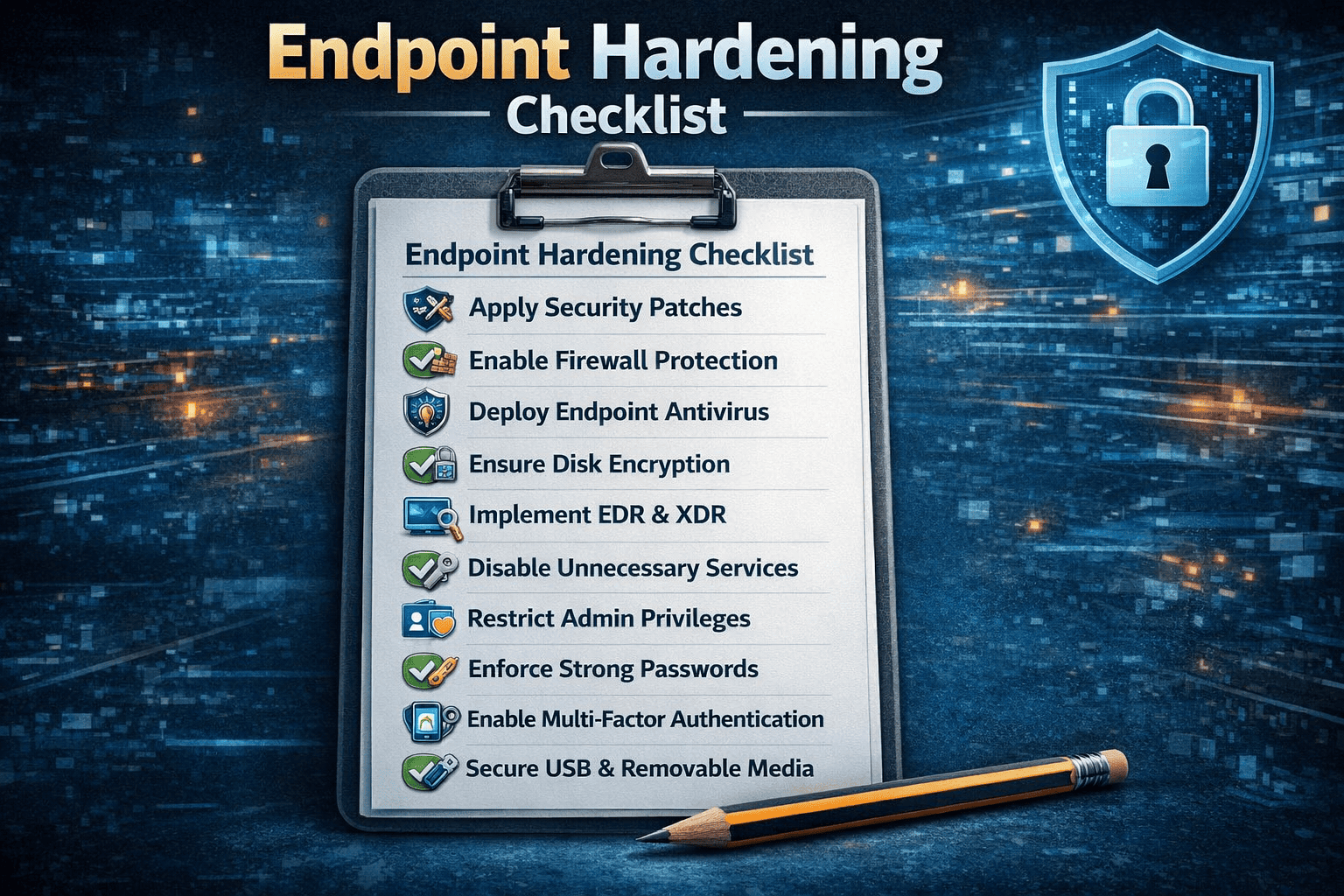
Update Regularly – Keep firewall rules and firmware up-to-date.
-
Segment Networks – Isolate critical systems to reduce exposure.
-
Monitor Logs – Track suspicious activities proactively.
-
Combine with Zero Trust – Verify every user and device.
FAQ: What Is Firewall in Computer?
Q1. What is a firewall in simple terms?
A firewall is like a digital security guard that controls what enters and leaves your computer or network.
Q2. Do I need a firewall if I have antivirus?
Yes. Antivirus removes malware, while a firewall prevents it from entering in the first place.
Q3. What is the difference between hardware and software firewalls?
Hardware firewalls are physical devices protecting entire networks, while software firewalls protect individual computers.
Q4. Can a firewall stop hackers?
Yes, firewalls block unauthorized access attempts, but advanced attacks may require next-gen solutions.
Q5. Are firewalls still relevant?
Absolutely. With rising cyber threats, firewalls remain a critical cybersecurity layer.
Conclusion
So, what is firewall in computer systems? It’s a critical network security tool that filters traffic, blocks threats, and safeguards sensitive data. From small businesses to global enterprises, firewalls are essential to modern cybersecurity strategies.
However, a firewall alone isn’t enough. To stay ahead of evolving cyberattacks, organizations need multi-layered protection with firewalls, endpoint security, and advanced threat detection.
👉 Protect your business today with Xcitium’s next-gen cybersecurity solutions. Request a Demo and experience enterprise-grade protection designed and beyond.