What Is MCU? A Complete Guide for Business and Technology Leaders
Updated on September 10, 2025, by Xcitium
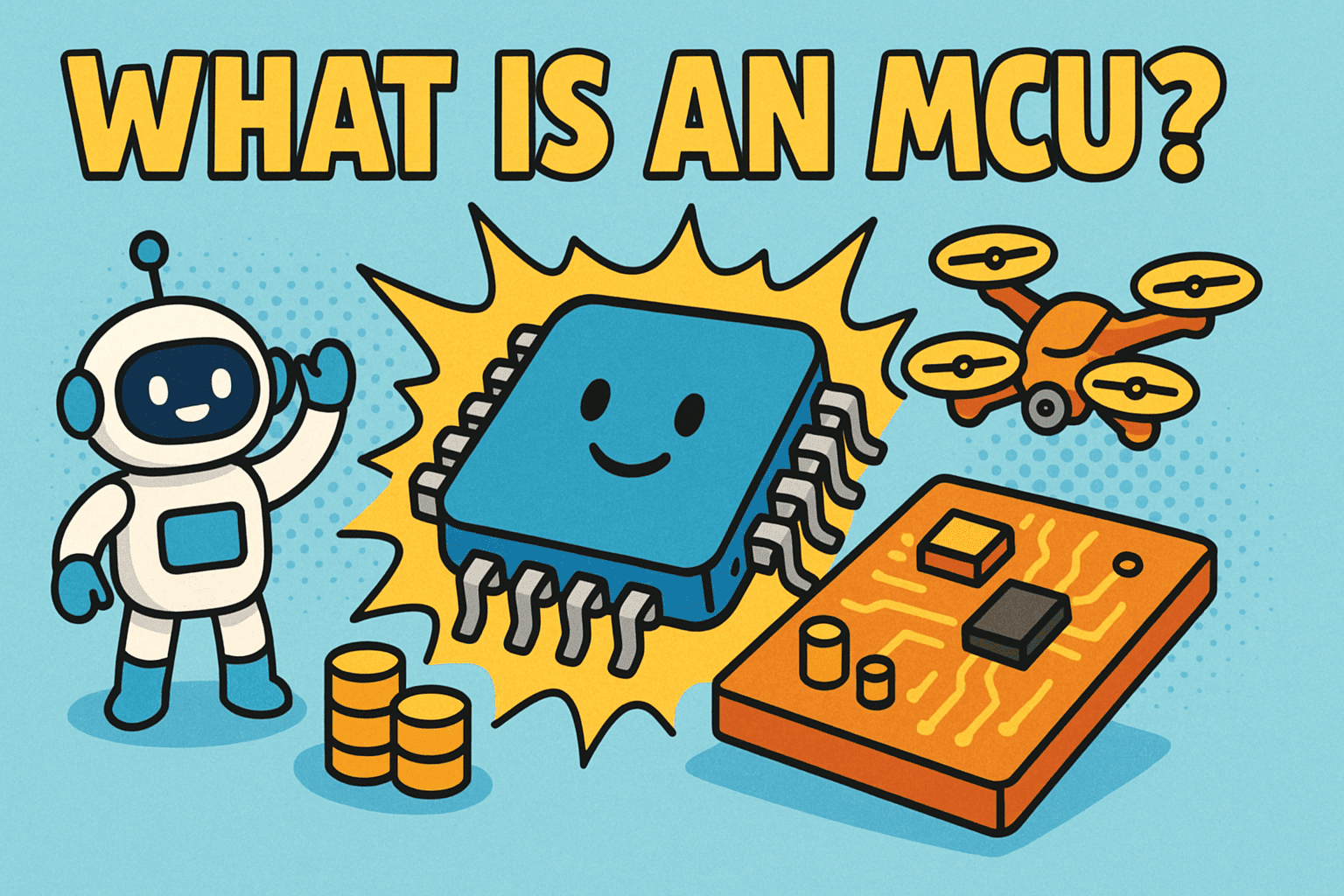
If you’ve ever wondered, “What is MCU, and why does it matter in today’s tech-driven world?” you’re not alone. MCU stands for Microcontroller Unit, a compact integrated circuit designed to perform specific tasks. From smart devices and industrial machines to cybersecurity tools, MCUs are at the heart of modern technology.
For IT managers, CEOs, and cybersecurity professionals, understanding MCUs isn’t just about tech curiosity—it’s about knowing how these small devices power automation, secure systems, and drive digital transformation.
What Is MCU in Simple Terms?
An MCU (Microcontroller Unit) is a tiny computer on a single chip that contains:
- Processor (CPU): Executes instructions.
- Memory (RAM/ROM): Stores data and code.
- Input/Output Ports (I/O): Connects with other devices or sensors.
Unlike general-purpose computers, MCUs are task-specific—they’re designed to control a particular function such as managing sensors in cars, operating medical devices, or powering IoT security systems.
👉 In short: an MCU is a self-contained system that makes devices “smart” by giving them the ability to process inputs and control outputs.
Why Are MCUs Important in Business?
So, why should CEOs, IT leaders, or cybersecurity managers care about MCUs?
- Automation: They drive industrial robots, smart offices, and connected systems.
- Cybersecurity: Many encryption devices, firewalls, and authentication tools use MCUs.
- IoT Security: With billions of connected devices, secure MCUs help prevent breaches.
- Cost Efficiency: Small, low-power, and scalable—ideal for enterprises managing multiple devices.
For industries like healthcare, finance, and manufacturing, MCUs represent a bridge between hardware and digital transformation.
How Does an MCU Work?
An MCU operates by following a program stored in its memory. Here’s the workflow:
- Input: Sensors or devices send signals (e.g., temperature, motion, or user input).
- Processing: The MCU interprets data using pre-programmed instructions.
- Output: Executes an action (e.g., activating an alarm, opening a lock, or sending data).
For example, in cybersecurity:
- An MCU in a smart card verifies identity.
- An MCU in a firewall helps manage secure traffic routing.
Examples of MCU Applications
MCUs are everywhere, often unnoticed. Common applications include:
- Automotive: Engine control units, airbags, anti-lock braking systems.
- Healthcare: Medical monitors, insulin pumps, diagnostic equipment.
- Cybersecurity: Authentication tokens, secure key storage, encrypted communications.
- Smart Devices: Smart thermostats, wearables, and home automation systems.
- Industrial: Robotics, automated manufacturing, supply chain monitoring.
MCU vs CPU vs GPU
When learning what is MCU, it’s easy to confuse it with CPUs or GPUs. Here’s the difference:
- MCU (Microcontroller Unit): Task-specific, embedded in devices, low power.
- CPU (Central Processing Unit): General-purpose computing, multitasking, higher power.
- GPU (Graphics Processing Unit): Handles parallel tasks like rendering graphics and AI computations.
👉 Think of MCUs as specialized workers handling specific jobs, while CPUs are general managers and GPUs are heavy-lifting assistants.
Security Concerns with MCUs
While MCUs improve efficiency, they also introduce cybersecurity risks. Since they are embedded in critical systems, a compromised MCU can open the door to major breaches.
- Firmware Exploits: Attackers inject malicious code.
- Physical Attacks: Tampering with chips to extract data.
- IoT Vulnerabilities: Weak MCUs in smart devices can be exploited.
📌 Business Tip: Always update firmware, use secure boot features, and ensure MCUs come from trusted vendors.
Best Practices for Businesses Using MCUs
To fully leverage MCUs while minimizing risks, organizations should:
- Adopt Zero-Trust Security: Treat every device connection as untrusted until verified.
- Encrypt Data: Secure communication between MCUs and networks.
- Conduct Regular Audits: Monitor device behavior for anomalies.
- Partner with Trusted Vendors: Ensure hardware supply chain integrity.
- Train Teams: Educate staff on risks of IoT and MCU-based devices.
Future of MCUs in Business and Cybersecurity
The MCU market continues to grow as more industries embrace IoT, AI, and edge computing. For cybersecurity professionals, the challenge is ensuring these billions of tiny devices don’t become weak links in enterprise networks.
Future MCUs will likely include:
- Built-in encryption capabilities.
- AI-driven processing for edge devices.
- Enhanced power efficiency for sustainability.
FAQs on MCUs
Q1. What is MCU in business terms?
MCU stands for Microcontroller Unit—a small computer that controls specific tasks in devices and systems.
Q2. How is an MCU different from a CPU?
An MCU is task-specific and embedded, while a CPU handles general computing tasks.
Q3. Are MCUs secure for business use?
Yes, but they require proper encryption, firmware updates, and supply chain security to minimize risks.
Q4. What industries use MCUs most?
Automotive, healthcare, cybersecurity, manufacturing, and IoT-based industries.
Q5. Why are MCUs important for cybersecurity?
They control authentication, encryption, and secure access in IoT and enterprise systems.
Conclusion: Why Business Leaders Should Understand MCUs
So, what is MCU? It’s a small but powerful microcontroller unit that enables devices, systems, and industries to work smarter and more securely. From IoT devices to enterprise cybersecurity, MCUs play a critical role in business innovation and risk management.
For CEOs, IT managers, and security professionals, understanding MCUs isn’t just technical knowledge—it’s strategic insight into how technology shapes modern enterprises.
👉 Want to explore how to secure your organization’s connected devices? Discover how Xcitium’s zero-trust solutions can safeguard your business.