What Is WPA? A Complete Guide to Wi-Fi Protected Access
Updated on September 23, 2025, by Xcitium
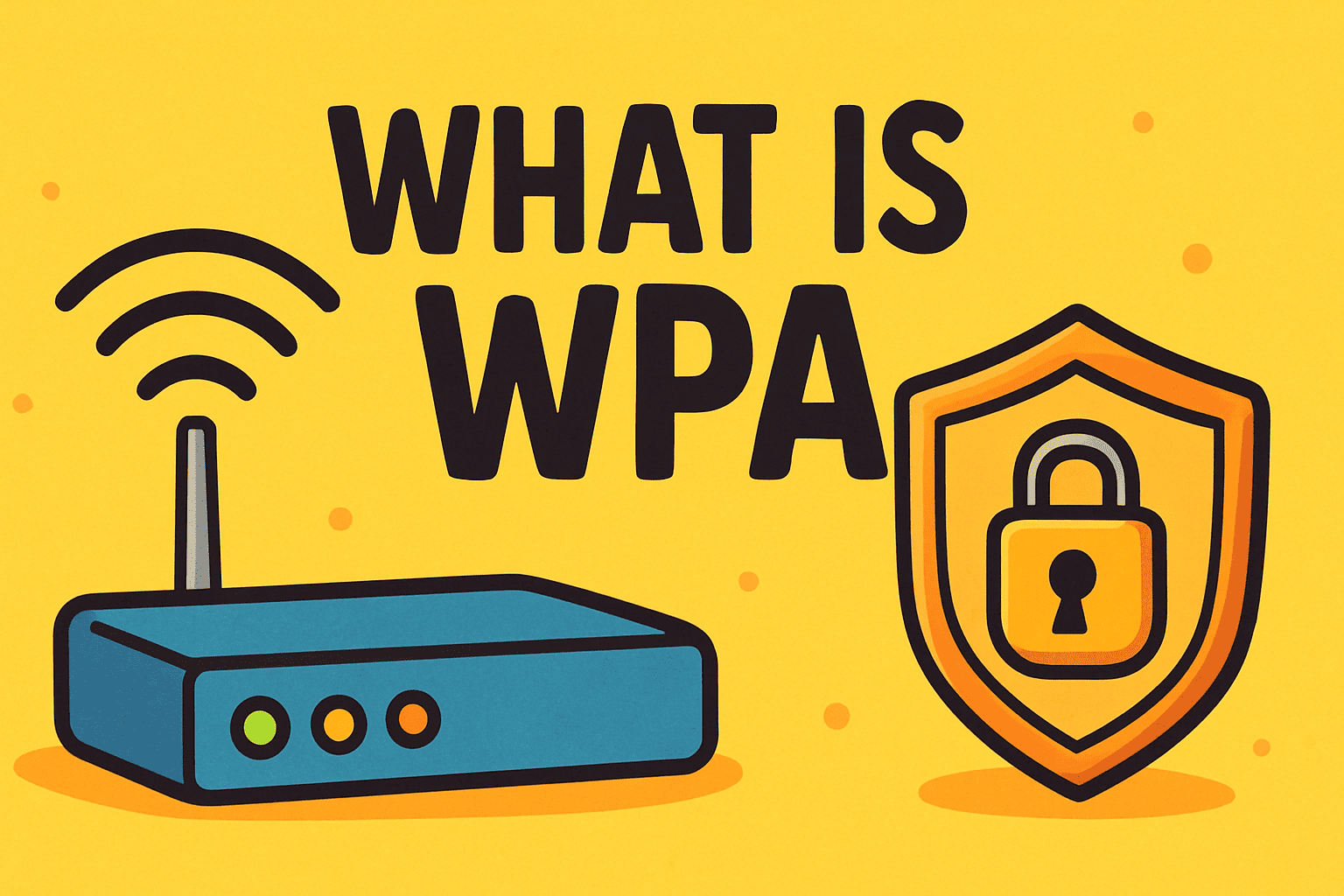
When you connect to a Wi-Fi network, have you ever noticed options like WPA2 or WPA3? If so, you may have wondered, “what is WPA, and why does it matter for my security?”
WPA (Wi-Fi Protected Access) is a security protocol that protects wireless networks by encrypting data transmissions. Without WPA or its successors, hackers could easily intercept sensitive information, including passwords, emails, and business data.
In this article, we’ll break down what WPA is, how it evolved, why businesses must take it seriously, and how IT managers and executives can ensure their organizations stay protected.
What Is WPA?
WPA, or Wi-Fi Protected Access, is a wireless security standard developed by the Wi-Fi Alliance in 2003. It was designed to replace the outdated WEP (Wired Equivalent Privacy) protocol, which had severe vulnerabilities.
The goal of WPA is simple: secure wireless communication through encryption and authentication. It ensures that only authorized users can access a Wi-Fi network while protecting the data traveling across it.
Evolution of WPA Security Standards
Since its launch, WPA has gone through several upgrades to improve security. Let’s look at the key versions:
1. WPA (2003)
-
Introduced TKIP (Temporal Key Integrity Protocol) for stronger encryption.
-
Improved over WEP but still vulnerable to certain attacks.
2. WPA2 (2004)
-
Became the standard for over a decade.
-
Introduced AES (Advanced Encryption Standard) for stronger protection.
-
Still widely used, though older versions are vulnerable to brute force and KRACK attacks.
3. WPA3 (2018)
-
Current standard with enhanced encryption and individualized data encryption for each device.
-
Stronger protection against password-guessing attacks.
-
Better suited for modern IoT and enterprise environments.
Why WPA Matters for Cybersecurity
If you’re an IT manager or CEO, understanding WPA isn’t just technical trivia—it’s a business-critical issue. Weak Wi-Fi security can:
-
Expose sensitive data to cybercriminals
-
Allow unauthorized access to company networks
-
Violate compliance requirements like GDPR, HIPAA, and PCI DSS
-
Lead to costly ransomware or data breach incidents
Strong Wi-Fi encryption is the first line of defense for businesses embracing remote work and IoT devices.
WPA vs. WPA2 vs. WPA3: Key Differences
| Feature | WPA (2003) | WPA2 (2004) | WPA3 (2018) |
|---|---|---|---|
| Encryption Protocol | TKIP | AES | AES + GCMP |
| Security Strength | Basic | Strong | Strongest |
| Vulnerabilities | Multiple | KRACK, brute force | Much harder to exploit |
| Best For | Legacy systems | Standard networks | Modern business + IoT |
👉 Businesses still using WPA or WPA2 should upgrade to WPA3 where possible to minimize risks.
How to Check Which WPA Version You’re Using
Want to know what your Wi-Fi network is running on? Here’s how:
-
Windows:
-
Right-click Wi-Fi icon → “Open Network & Internet settings.”
-
Select your Wi-Fi → “Properties.”
-
Check the Security Type (WPA2, WPA3, etc.).
-
-
Mac:
-
Hold Option + click Wi-Fi icon.
-
Look under Security to see the WPA type.
-
-
Router Settings:
-
Log in to your router admin panel.
-
Check wireless security settings for WPA version.
-
Best Practices for WPA Security
Even with WPA3, businesses and individuals should follow these best practices:
-
Always use WPA2 or WPA3 – Avoid WPA/WEP whenever possible.
-
Set strong Wi-Fi passwords – Use at least 12+ characters with numbers and symbols.
-
Enable automatic router updates – Firmware patches fix security holes.
-
Segment guest Wi-Fi networks – Prevent guest devices from accessing corporate systems.
-
Adopt Zero Trust principles – Don’t rely solely on WPA; add endpoint protection.
FAQ: What Is WPA?
Q1. What does WPA stand for?
WPA stands for Wi-Fi Protected Access, a security protocol for wireless networks.
Q2. Is WPA still secure?
WPA is outdated. WPA2 and WPA3 are recommended, with WPA3 being the most secure option today.
Q3. How is WPA3 better than WPA2?
WPA3 uses stronger encryption, protects against password guessing, and offers better security for IoT devices.
Q4. Can hackers bypass WPA security?
Yes, if weak passwords or outdated WPA versions are used. WPA3 significantly reduces these risks.
Q5. Should businesses upgrade to WPA3?
Yes. WPA3 provides the highest level of wireless security and is crucial for protecting sensitive enterprise data.
Conclusion
So, what is WPA? In short, it’s the Wi-Fi security protocol that protects data as it moves across your wireless networks. While WPA was an improvement over WEP, today’s gold standard is WPA3, offering the strongest protection against modern cyber threats.
For organizations, simply enabling WPA3 isn’t enough. Businesses need multi-layered security that combines strong encryption with endpoint detection and response (EDR), Zero Trust architecture, and continuous monitoring.
👉 Protect your business beyond Wi-Fi encryption. Request a Demo with Xcitium and experience next-generation cybersecurity.