How to Use VPN: A Complete Guide for Security and Privacy
Updated on September 26, 2025, by Xcitium
Did you know that 31% of global internet users rely on a VPN (Virtual Private Network) to secure their digital activities? With cybercrime on the rise and privacy concerns at an all-time high, knowing how to use VPN isn’t just a tech skill—it’s a cybersecurity necessity.
Introduction: Why Learning How to Use VPN Is Essential
From protecting sensitive data to bypassing geo-restrictions, VPNs are now essential tools for IT managers, CEOs, and cybersecurity professionals. But using a VPN correctly requires understanding how it works, its benefits, and best practices for safe deployment.
This guide will walk you through everything you need to know about how to use VPNs effectively whether for personal privacy or business security.
1. What Is a VPN and Why Does It Matter?
A VPN (Virtual Private Network) is a security tool that creates an encrypted tunnel between your device and the internet. It hides your IP address, masks your online activity, and ensures data travels securely.
Key benefits of VPNs include:
-
Privacy: Hides browsing habits from ISPs and trackers.
-
Security: Encrypts sensitive data to prevent hackers from intercepting it.
-
Access: Bypasses geo-restrictions and censorship.
-
Remote Work Enablement: Secures employee connections to company systems.
In short, VPNs empower both individuals and businesses to take control of their online security.
2. How to Use VPN: Step-by-Step Basics
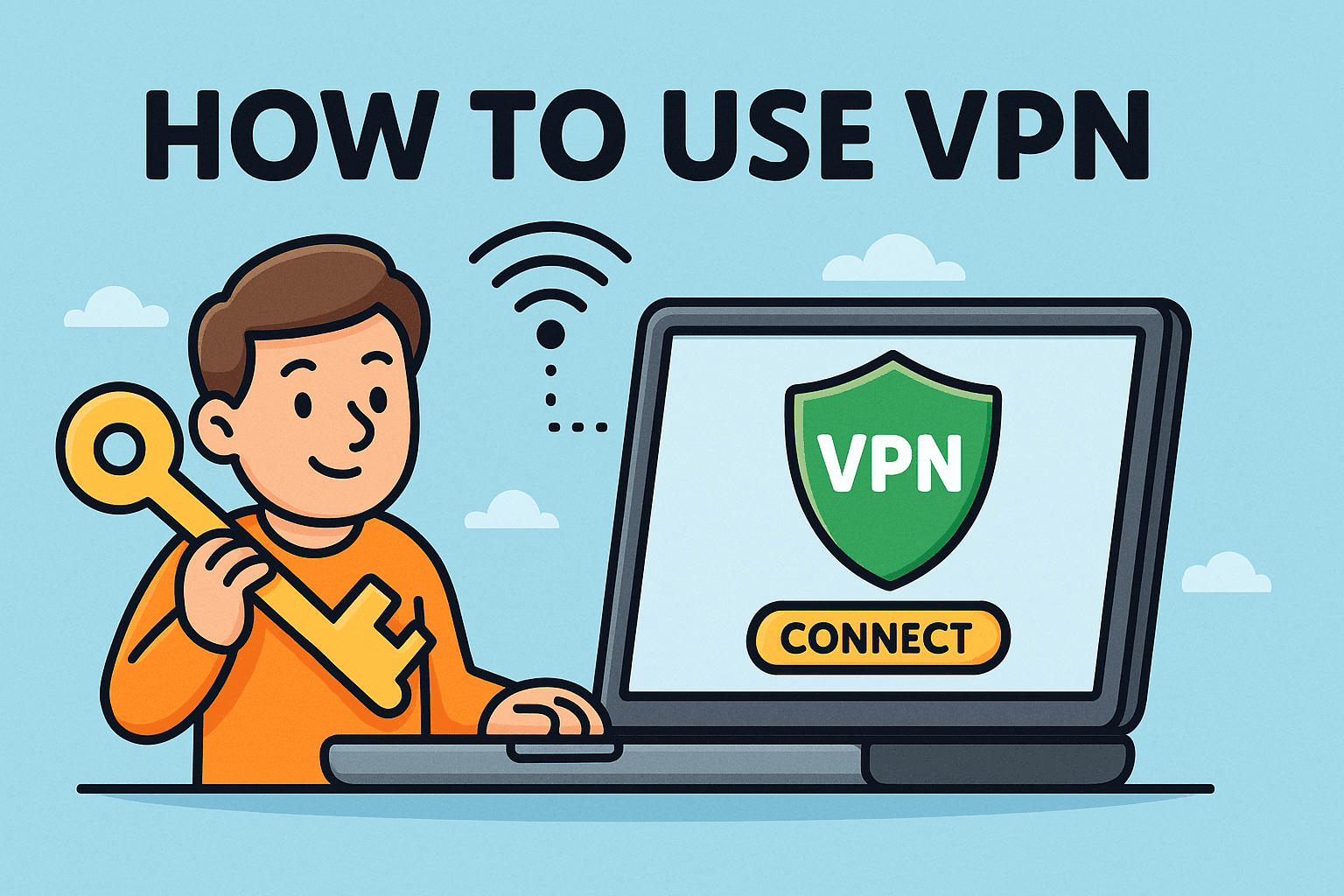
Learning how to use VPN starts with proper setup and configuration. Here’s a general guide:
-
Choose a Reputable VPN Provider
Select a service that prioritizes security, speed, and a no-log policy. -
Download and Install the VPN App
Most providers offer apps for Windows, macOS, iOS, Android, and even routers. -
Log In with Credentials
Use the account you created when subscribing to the service. -
Select a Server Location
Choose a server near your location for speed, or abroad to bypass restrictions. -
Connect Securely
One click usually activates the VPN tunnel. Verify your IP has changed. -
Customize Settings
Enable features like a kill switch, split tunneling, and auto-connect for added protection.
3. Why Businesses Need to Know How to Use VPN
For IT managers and executives, VPNs are more than privacy tools—they’re critical for cybersecurity.
-
Remote Workforce Security: Protects employees accessing corporate resources from home or public Wi-Fi.
-
Data Protection: Shields sensitive business data from interception.
-
Compliance: Helps meet regulations like GDPR, HIPAA, or PCI DSS.
-
Access Control: Restricts unauthorized entry to company systems.
By knowing how to use VPN technology, organizations can minimize risks and strengthen resilience.
4. Key Features to Look for in a VPN
Not all VPNs are created equal. Businesses and individuals should prioritize these features:
-
Strong Encryption (AES-256) for maximum security.
-
No-Log Policy to ensure browsing activity isn’t tracked.
-
High-Speed Servers for seamless performance.
-
Multi-Device Support for teams and families.
-
Kill Switch to prevent accidental exposure if the VPN disconnects.
-
Split Tunneling to choose which apps use the VPN.
Choosing the right VPN ensures safety without sacrificing usability.
5. Common Mistakes When Using VPN
Many users make errors that compromise their security, even when using VPNs. Here are pitfalls to avoid:
-
Relying on Free VPNs: They often log data and sell user information.
-
Not Enabling Kill Switch: This exposes real IPs during connection drops.
-
Using Outdated Apps: Old versions may lack essential security patches.
-
Forgetting to Connect: Inconsistent usage defeats the purpose.
-
Assuming Total Anonymity: VPNs hide traffic but don’t protect against phishing or malware.
Awareness of these mistakes helps maximize VPN effectiveness.
6. How to Use VPN for Different Purposes
A. For Personal Privacy
-
Protects online searches, emails, and messages from trackers.
-
Masks location when browsing public Wi-Fi.
B. For Streaming and Accessing Content
-
Helps bypass geo-blocks on platforms like Netflix or Hulu.
-
Provides access to content restricted in certain regions.
C. For Remote Work Security
-
Secures communication between employees and company servers.
-
Prevents data leaks on unsecured home or public networks.
D. For Travel and Public Wi-Fi Protection
-
Safeguards banking transactions while abroad.
-
Prevents hackers from sniffing traffic in hotels, airports, or cafes.
7. VPNs vs Other Security Tools
VPNs are powerful but should be part of a layered cybersecurity strategy.
-
VPN vs Antivirus: VPNs protect data in transit; antivirus removes malware.
-
VPN vs Proxy: VPN encrypts traffic; proxies simply redirect it.
-
VPN vs Zero Trust: VPN provides secure tunnels, while Zero Trust focuses on continuous verification.
Using VPNs in combination with firewalls, endpoint protection, and identity management ensures complete defense.
8. Future of VPN Technology
VPNs continue to evolve to meet modern cybersecurity needs:
-
Integration with Zero Trust models for businesses.
-
AI-powered VPNs for smarter traffic management.
-
Quantum-resistant encryption on the horizon.
-
Cloud-native VPNs for scalable enterprise deployment.
As threats grow more advanced, VPNs remain a cornerstone of secure connectivity.
VPN Best Practices Checklist
✅ Choose a reliable VPN provider with strong encryption
✅ Always enable the kill switch and auto-connect features
✅ Avoid free VPNs that compromise data privacy
✅ Update apps regularly for the latest security patches
✅ Train employees on proper VPN usage
✅ Combine VPNs with other cybersecurity tools for layered defense
FAQs on How to Use VPN
1. Is it legal to use a VPN?
Yes, VPNs are legal in most countries. However, some restrict or ban their usage, so always check local laws.
2. Does a VPN make me completely anonymous?
No. While VPNs hide your IP and encrypt traffic, they don’t prevent phishing or malware attacks.
3. Can businesses monitor employees through VPNs?
Yes, businesses can log VPN usage for compliance, but ethical policies should balance security with privacy.
4. Will a VPN slow down my internet?
Slightly. VPN encryption can reduce speed, but premium providers minimize this impact with optimized servers.
5. Do I need a VPN on mobile devices?
Absolutely. Smartphones are just as vulnerable, especially on public Wi-Fi networks.
Final Thoughts
Knowing how to use VPN properly is no longer just an option—it’s a necessity for online privacy, secure business operations, and compliance. Whether you’re an individual concerned about personal safety or a CEO protecting corporate assets, VPNs provide critical layers of defense.
🚀 Want to strengthen your cybersecurity beyond VPNs?
Request a demo of Xcitium’s security solutions today and take your protection to the next level.