How to Setup a VPN: A Complete Guide for Secure Connectivity
Updated on December 29, 2025, by Xcitium
In an era of remote work, cloud services, and constant cyber threats, knowing how to setup a VPN is no longer optional—it’s essential. Whether you’re protecting company data, securing employee access, or safeguarding personal information, a VPN plays a critical role in modern cybersecurity.
Understanding how to setup a VPN correctly helps prevent data interception, unauthorized access, and privacy breaches. For IT managers, cybersecurity teams, and executives, VPNs are a foundational layer of secure digital operations.
This guide walks you through everything you need to know—from VPN basics to step-by-step setup instructions, best practices, and common mistakes to avoid.
What Is a VPN and Why Does It Matter?
Before diving into how to setup a VPN, it’s important to understand what a VPN does.
A Virtual Private Network (VPN) encrypts your internet connection and routes traffic through a secure server. This hides your IP address and protects data from interception.
Why VPNs Are Critical Today
-
Protect sensitive data on public Wi-Fi
-
Secure remote workforce access
-
Prevent surveillance and data tracking
-
Reduce the risk of cyberattacks
For organizations, VPNs enable secure access to internal systems without exposing them directly to the internet.
How a VPN Works (In Simple Terms)
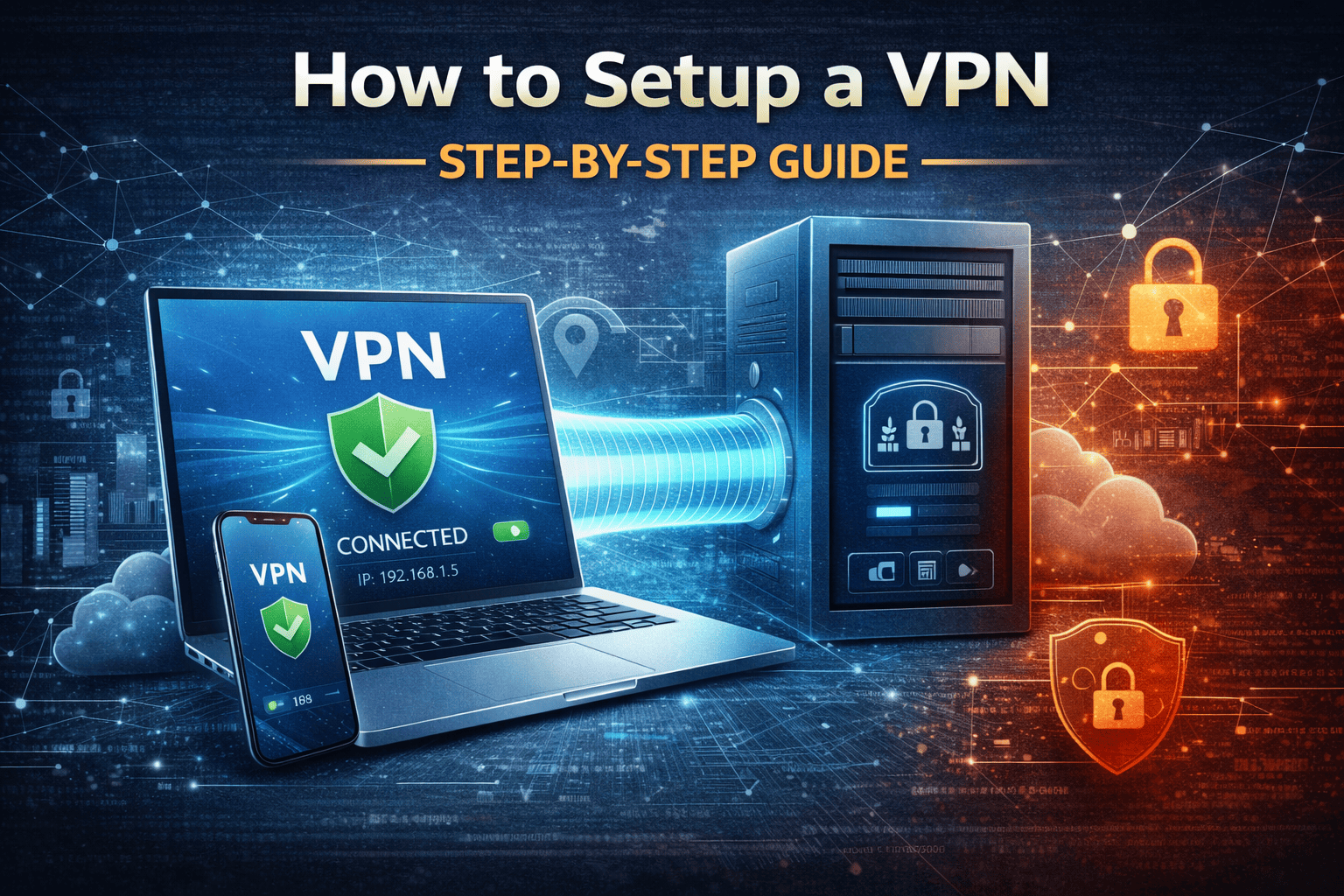
A VPN creates a secure tunnel between your device and the VPN server.
Here’s what happens:
-
Your data is encrypted
-
Traffic is sent through the VPN tunnel
-
The VPN server connects to the internet on your behalf
-
Your real IP address remains hidden
This process protects confidentiality, integrity, and privacy.
How to Setup a VPN: Step-by-Step Overview
The exact steps for how to setup a VPN depend on whether you’re configuring it for personal use or an enterprise environment. However, the core principles remain the same.
Basic VPN Setup Workflow
-
Choose a VPN solution
-
Install VPN software or configure a VPN server
-
Authenticate users
-
Enable encryption protocols
-
Test and monitor connections
Let’s break this down further.
How to Setup a VPN on Personal Devices
How to Setup a VPN on Windows
-
Go to Settings → Network & Internet → VPN
-
Click Add a VPN connection
-
Enter VPN provider details
-
Choose protocol and credentials
-
Save and connect
How to Setup a VPN on macOS
-
Open System Settings → Network
-
Click Add VPN Configuration
-
Select VPN type
-
Enter server and authentication details
-
Connect
How to Setup a VPN on Mobile Devices
-
Install VPN app from the app store
-
Sign in with credentials
-
Select a server
-
Enable the VPN
Mobile VPNs are essential for employees accessing corporate systems on the go.
How to Setup a VPN for Business Environments
For enterprises, knowing how to setup a VPN involves more than installing an app.
Common Business VPN Types
-
Remote access VPN
-
Site-to-site VPN
-
Cloud-based VPN
Each supports different operational needs.
How to Configure a VPN for Remote Employees
-
Deploy VPN gateway or cloud VPN service
-
Integrate identity authentication (MFA recommended)
-
Assign role-based access
-
Enforce encryption standards
-
Monitor usage and logs
This ensures secure and controlled access to internal resources.
VPN Protocols Explained
Choosing the right protocol is critical when learning how to setup a VPN securely.
Common VPN Protocols
-
OpenVPN – Secure and widely used
-
IKEv2/IPsec – Fast and stable
-
WireGuard – Modern and efficient
-
L2TP/IPsec – Legacy but still used
Security teams should avoid outdated or weak protocols.
VPN Security Best Practices
Setting up a VPN is not enough—you must secure it properly.
VPN Security Best Practices
-
Enable multi-factor authentication
-
Use strong encryption
-
Restrict access by role
-
Monitor VPN logs regularly
-
Patch VPN software promptly
These practices reduce the risk of VPN compromise.
Common VPN Setup Mistakes to Avoid
Even experienced teams make mistakes when learning how to setup a VPN.
Mistakes That Increase Risk
-
Using default credentials
-
Allowing unrestricted access
-
Failing to monitor VPN traffic
-
Ignoring endpoint security
-
Relying solely on VPNs for protection
A VPN should be part of a broader security strategy, not the only defense.
VPNs and Zero Trust Security
Traditional VPNs assume that once connected, users are trusted. This model no longer works.
Why VPNs Need Zero Trust
-
Insider threats still exist
-
Credentials can be stolen
-
Devices can be compromised
Modern security strategies enforce continuous verification, even after VPN access is granted.
VPN vs Modern Secure Access Solutions
VPNs are useful, but they have limitations.
VPN Limitations
-
Broad network access
-
Performance bottlenecks
-
Increased attack surface
Modern approaches focus on application-level access and default-deny security models, reducing reliance on traditional VPNs.
When a VPN Is Not Enough
Knowing how to setup a VPN is valuable—but VPNs alone cannot stop advanced threats.
VPNs:
-
Encrypt traffic
-
Secure access
They do not:
-
Prevent malware execution
-
Stop phishing attacks
-
Detect zero-day threats
This is why VPNs must work alongside advanced endpoint and network protection.
FAQ: How to Setup a VPN
1. Is a VPN enough to secure my business?
No. A VPN secures connections but does not stop malware or phishing attacks.
2. How long does it take to setup a VPN?
Personal VPNs take minutes. Enterprise VPNs can take hours or days depending on complexity.
3. Can VPNs be hacked?
Yes. Misconfigured or outdated VPNs are common attack targets.
4. Should all employees use a VPN?
Yes, especially remote and hybrid workers accessing company systems.
5. Is VPN still relevant with cloud security?
Yes, but it should be combined with Zero Trust and endpoint protection.
Final Thoughts: VPN Setup Is a Security Foundation
Understanding how to setup a VPN is a critical step toward secure connectivity—but it’s only the beginning.
For IT managers and executives, VPNs:
-
Protect data in transit
-
Enable secure remote work
-
Support compliance efforts
However, modern threats require prevention-first security beyond traditional VPNs.
If your organization relies solely on VPNs and legacy defenses, it’s time to evolve.
👉 Discover how Xcitium delivers Zero Trust, prevention-first security that protects users—whether they’re on or off a VPN.
Request a demo today: https://www.xcitium.com/request-demo/