What Is Private Browsing and How It Works
Updated on July 23, 2025, by Xcitium
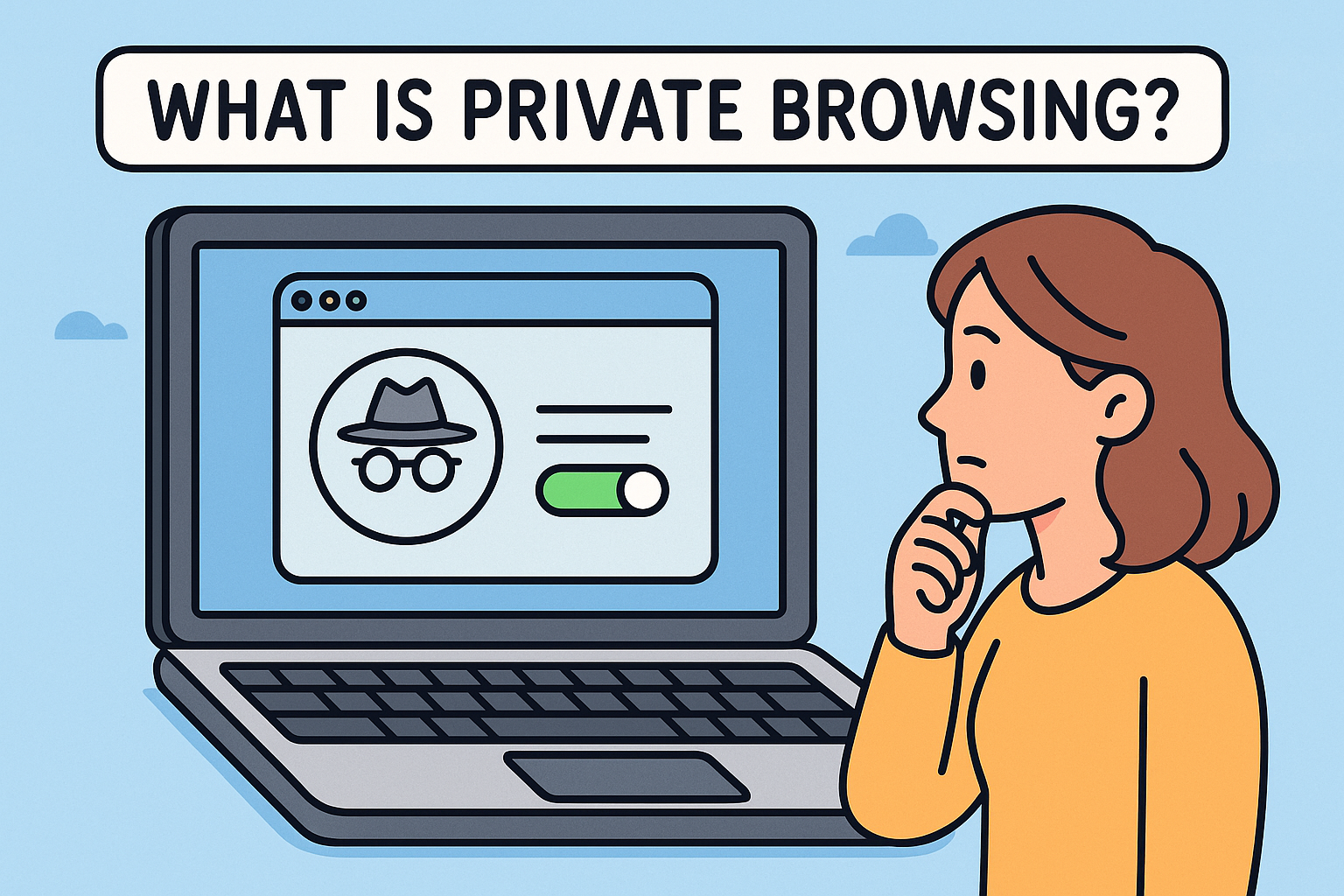
Curious about what is private browsing and why everyone talks about it? Imagine browsing the web without your history being recorded, searches staying hidden, and no cookies saved. That’s exactly what private mode—also called Incognito, Private, or InPrivate mode—does. From professionals in online security to CEOs, understanding this tool is essential for safeguarding privacy in a digital world.
✅ What Is Private Browsing on Chrome, Safari & iPhone?
Browsers implement private sessions differently, but the core concept remains the same:
- Chrome (Incognito Mode): Won’t save visited sites, cookies, or search history, and auto-clears downloads and forms when you close the window.
- Safari (Private Browsing on iPhone/Mac): Disables history logging and isolates websites from tracking you across sessions.
- Edge (InPrivate): Blocks cookies and data storage but shares downloads and bookmarks.
Though transitions may vary, these modes ensure no traces of your activity remain locally.
🔐 Why Use Private Browsing?
Top Reasons Across Industries:
- Search discreetly – Great for sensitive topics like health, finance, or internal investigations.
- Maintain multiple logins – Simultaneously manage different accounts on the same site.
- Avoid cookie tracking – Better for privacy-conscious professionals.
- Temporary browsing sessions – Clean slate after research or testing workflows.
⚠️ Disadvantages of Incognito Mode (and Myths)
While powerful, private browsing isn’t a silver bullet:
- No server-side protection – Websites, ISPs, and employers can still track you.
- No malware defense – It won’t block phishing or malicious downloads.
- Limited privacy – Only local data is deleted; information shared online remains visible.
- False comfort – Users may assume total anonymity when it’s only partial.
🛠️ How to Turn On Private Browsing
Chrome (Desktop & Mobile)
- Desktop: Ctrl+Shift+N (Windows) or Cmd+Shift+N (Mac)
- Mobile: Tap the three dots → “New incognito tab”
Safari (iPhone)
- Tap the tabs icon → “Private” → “+” to open a new private tab
Edge (Windows/Mac)
- Desktop: Ctrl+Shift+P (Windows) or Cmd+Shift+P (Mac)
🔎 How to View My Incognito History on Android?
A trick question! Due to intentional design, you cannot view private tab history. That’s the whole point: no local record is ever stored. The only data that might persist includes network logs on routers or ISP records outside your phone.
🧭 Private vs Regular Browsing: Key Comparisons
| Feature | Private Browsing | Regular Browsing |
| Local history saved? | ❌ No | ✅ Yes |
| Cookies retained? | ❌ Each session | ✅ Across sessions |
| Bookmarks saved? | ✅ Yes | ✅ Yes |
| Downloads stored? | ✅ Yes | ✅ Yes |
| Protection from hackers? | ❌ No | ❌ No |
🛡️ Beyond Private: Best Practices for True Privacy
- Use a VPN – Encrypts traffic and hides location.
- Use Tor Browser – Hides all metadata and anonymizes browsing paths.
- Install security extensions – Like ad-blockers or anti-tracking tools.
- Regularly clear cookies & cache – When not in private mode.
- Enable HTTPS Everywhere – Ensures encrypted connections.
🚀 When Private Browsing Isn’t Enough
Businesses and IT managers face advanced threats:
- Insider threats
- Malware-infected devices
- Network-level snooping
In these cases, corporate-grade tools and endpoint controls are crucial. Don’t rely on private mode alone.
Private browsing is a helpful layer, but robust security needs more. Protect your entire organization—devices, networks, and users—with advanced cyber defenses from Xcitium. Request a demo now!
❓ FAQ: What Is Private Browsing?
Q1: Does private mode hide my IP address?
No. Your ISP and visited sites still see your IP.
Q2: Can I bookmark pages in private mode?
Yes. Private sessions let you bookmark and download files as usual.
Q3: Does it block ads?
No, private mode doesn’t block ads—use extensions or an ad-blocker for that.
Q4: Can I save passwords in private browsing?
Yes, but only if you explicitly choose to. Otherwise, everything resets after closing the session.
Q5: Is private mode permanent?
No. Every private session is temporary. Close the window to erase data.
Final Thoughts
Private browsing offers a quick way to keep your local device clean and your online actions discreet. But remember—it doesn’t offer complete anonymity or security. Combine it with tools like VPNs, Tor, and enterprise-grade cyber defenses for full protection. Explore how Xcitium can safeguard your organization—request a demo today!