What is Splunk Used For? A Complete Guide for IT & Security Leaders
Updated on September 4, 2025, by Xcitium
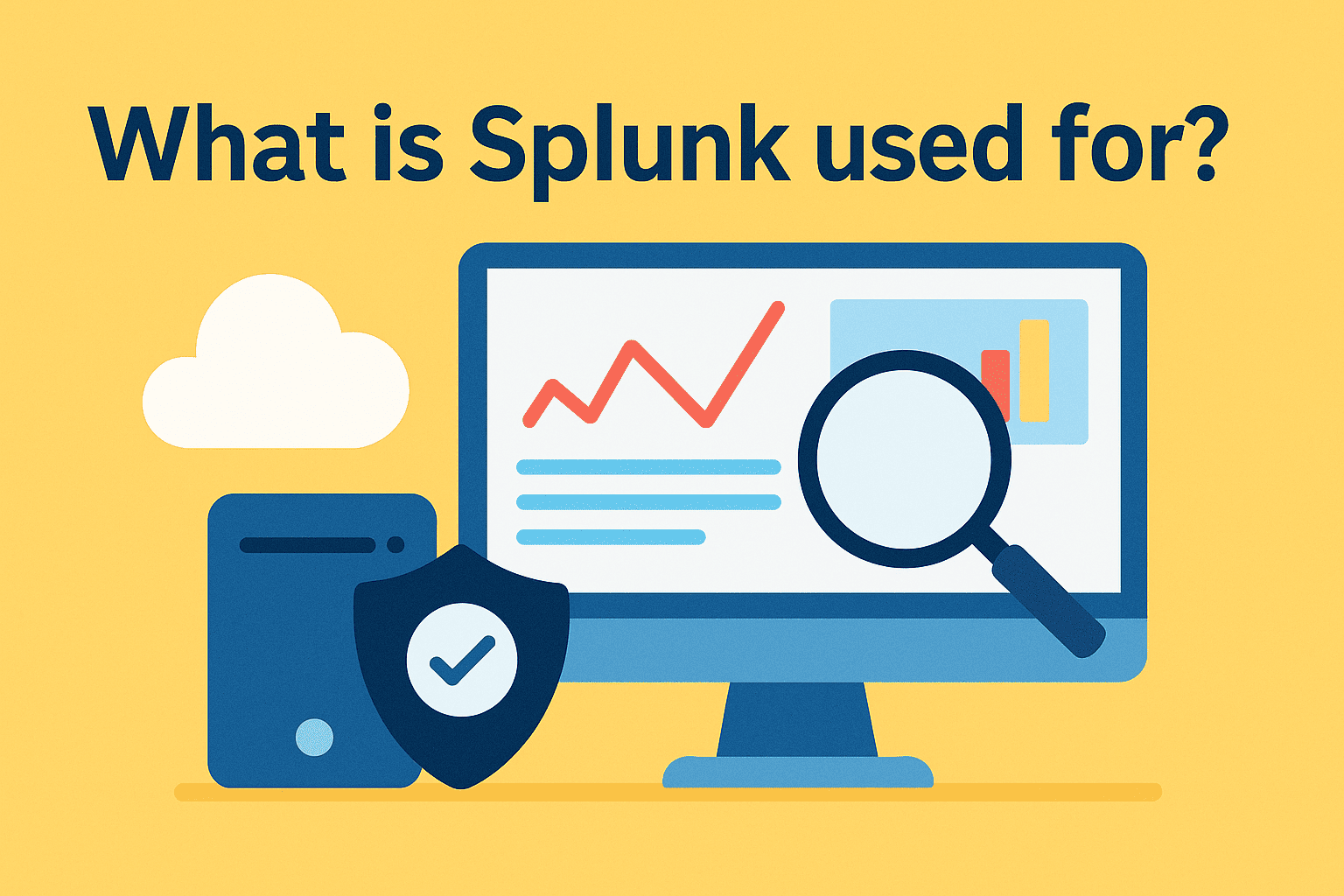
In today’s data-driven world, organizations generate massive volumes of logs, events, and metrics every second. From server logs to application performance and security events, the challenge isn’t gathering data—it’s making sense of it in real time. That’s where Splunk comes in.
So, what is Splunk used for? Splunk is a data analytics and monitoring platform designed to help organizations collect, search, analyze, and visualize machine-generated data. IT managers, cybersecurity experts, and CEOs use it to gain insights, improve performance, detect threats, and ensure compliance.
What is Splunk?
Splunk is a software platform for operational intelligence. It captures real-time data from various sources—servers, devices, networks, applications—and transforms it into searchable and actionable insights.
Unlike traditional databases, Splunk handles unstructured data (like logs and events) and makes it usable through dashboards, alerts, and reports.
Core Functions of Splunk:
- Data ingestion from multiple sources
- Real-time search and indexing
- Visualization via dashboards and reports
- Alerts and automation for anomalies
- Integration with security and IT tools
👉 In simple terms, Splunk acts as a central nervous system for enterprise data.
What is Splunk Used For? (Core Applications)
Splunk isn’t a single-use tool—it’s a versatile platform that supports cybersecurity, IT operations, DevOps, and business intelligence. Let’s break down its most common uses:
1. Cybersecurity & Threat Detection
Splunk is widely used as a Security Information and Event Management (SIEM) solution.
- Detects suspicious activity across networks.
- Helps respond to ransomware, phishing, and insider threats.
- Supports compliance standards (HIPAA, PCI-DSS, ISO).
- Correlates logs from firewalls, servers, and endpoints for unified visibility.
2. IT Operations Monitoring
IT managers use Splunk to ensure uptime and performance.
- Tracks system health across servers, databases, and apps.
- Provides predictive analytics to prevent downtime.
- Monitors capacity, bandwidth, and application latency.
- Reduces mean-time-to-resolution (MTTR) for outages.
3. DevOps & Application Monitoring
Splunk plays a huge role in DevOps pipelines.
- Monitors microservices, containers, and CI/CD pipelines.
- Identifies bugs in real time.
- Tracks user activity and performance metrics.
- Accelerates troubleshooting with automated alerts.
4. Business Analytics
Beyond IT, Splunk helps executives make data-driven decisions.
- Tracks customer behavior in apps and websites.
- Monitors fraud detection in financial systems.
- Provides KPIs on revenue, user engagement, and churn.
- Powers executive dashboards with real-time insights.
How Splunk Works
Splunk’s power lies in its data pipeline:
- Data Ingestion – Splunk collects raw machine data from apps, cloud platforms, and IoT devices.
- Indexing – The data is indexed for fast searching.
- Search & Analysis – Users can query with Splunk Processing Language (SPL).
- Visualization – Dashboards turn raw logs into charts, graphs, and alerts.
- Actionable Insights – Splunk automates alerts, workflows, and integrations with ITSM and SIEM tools.
This workflow transforms chaotic logs into decision-ready intelligence.
Splunk in Cybersecurity: SIEM & Beyond
One of the biggest answers to “what is Splunk used for” lies in cyber defense.
- Threat Hunting: Splunk helps SOC teams track anomalies across billions of events.
- Incident Response: Teams can replay events to understand how an attack unfolded.
- Compliance: Splunk automatically generates compliance-ready reports.
- Ransomware Defense: By correlating events, Splunk can detect ransomware patterns early.
💡 According to Gartner, organizations using Splunk reduce breach detection times by up to 60%.
Benefits of Splunk for IT & Security Leaders
For IT managers and CEOs, Splunk provides tangible value:
Operational Benefits:
- Real-time visibility across IT ecosystems.
- Faster troubleshooting with automated alerts.
- Predictive analytics to avoid outages.
Security Benefits:
- Comprehensive SIEM capabilities.
- Faster threat detection and response.
- Compliance automation for audits.
Business Benefits:
- Improved customer experience via performance monitoring.
- Actionable insights from raw machine data.
- Reduced downtime, saving millions in operational costs.
Splunk vs Alternatives
When researching what Splunk is used for, many compare it to other monitoring platforms.
| Feature | Splunk | Elastic Stack (ELK) | Datadog |
| Data Handling | Unstructured & structured | Mainly structured logs | Structured metrics |
| Security Capabilities | Full SIEM capabilities | Limited without plugins | Basic security add-ons |
| Visualization | Advanced dashboards | Kibana dashboards | Cloud-native visual |
| Scalability | Enterprise-level | High, with tuning | Cloud-only |
Splunk’s unique advantage is its combination of IT, security, and business intelligence in one platform.
Industry Use Cases of Splunk
- Financial Services: Detect fraud, monitor transactions in real-time.
- Healthcare: Track electronic health records (EHR) access and HIPAA compliance.
- E-commerce: Monitor shopping cart performance and user trends.
- Government: Secure sensitive citizen data and meet audit standards.
- Telecom: Monitor call quality, bandwidth, and outages.
Each use case highlights why Splunk has become a cross-industry leader in IT and security analytics.
Future of Splunk: What’s Next?
As data volumes grow, Splunk is expanding into:
- AI-driven analytics for predictive insights.
- Cloud-native Splunk offerings for scalability.
- Integration with XDR platforms for advanced threat defense.
- Automated compliance reporting for global regulations.
For IT leaders, Splunk is evolving from just log management into a core AI-powered security and analytics platform.
FAQs on Splunk
Q1: What is Splunk used for in cybersecurity?
Splunk is used as a SIEM solution to detect, analyze, and respond to cyber threats in real time.
Q2: Is Splunk only for IT teams?
No. While IT uses Splunk for monitoring, executives leverage it for business intelligence and compliance reporting.
Q3: How does Splunk help in DevOps?
Splunk provides visibility into CI/CD pipelines, microservices, and user experiences—accelerating bug fixes and deployment cycles.
Q4: Is Splunk expensive?
Splunk can be resource-intensive, but its ROI comes from reduced downtime, compliance costs, and faster threat detection.
Q5: What industries benefit most from Splunk?
Industries like finance, healthcare, government, SaaS, and telecom use Splunk heavily due to compliance and data security needs.
Conclusion: Why Splunk Matters for Modern Enterprises
To summarize, if you’re wondering “what is Splunk used for?”—the answer is cybersecurity, IT operations, DevOps, and business intelligence. Splunk transforms raw machine data into actionable insights, helping IT managers reduce downtime, security teams stop threats, and CEOs make smarter decisions.
In an era where data is both an asset and a risk, Splunk stands as a critical tool for resilience and growth.
👉 Ready to strengthen your IT and security posture with intelligent analytics? Request a Demo with Xcitium