What is Hardware? Understanding the Backbone of Modern Computing
Updated on July 1, 2025, by Xcitium
Have you ever wondered what really makes your devices tick? Behind every click, tap, or swipe is a physical component—your device’s hardware.
Understanding what is hardware is essential not just for tech enthusiasts, but for IT managers, cybersecurity professionals, and business leaders. From smartphones to servers, hardware forms the physical foundation of every modern computing system.
🧠 What is Hardware? (Definition & Overview)
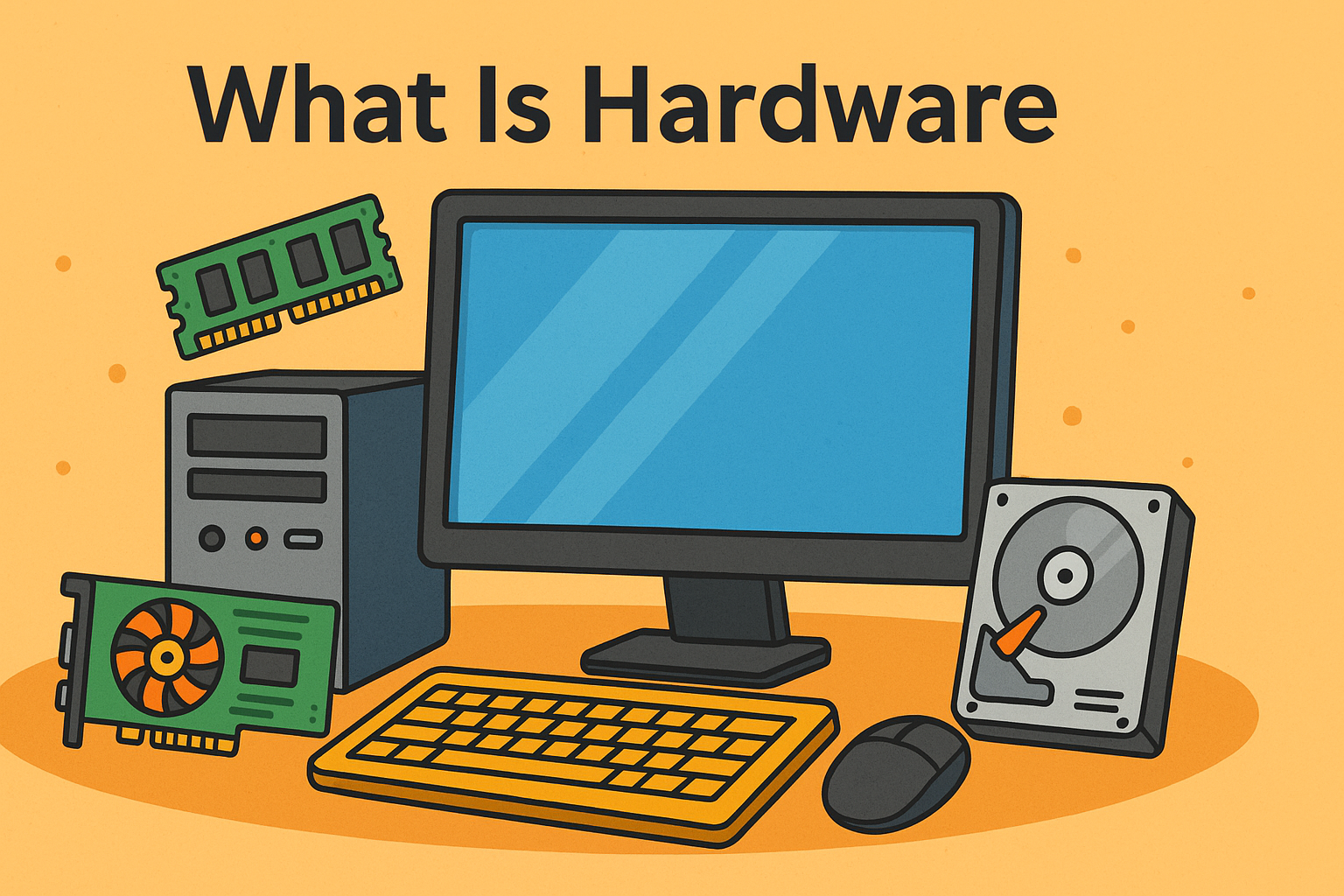
Hardware refers to the physical components of a computer system—the tangible parts you can see and touch. This includes devices like your keyboard, mouse, motherboard, hard drive, RAM, and even your router or server racks.
Simply put, hardware is the “body,” while software is the “brain.”
Whether you’re using a phone, laptop, or cloud server, hardware enables it all—from data processing to internet connectivity and cybersecurity applications.
📚 Hardware Definition in IT Terms
In information technology (IT), the hardware definition is often more specific:
Hardware is any physical device or component used in or with a computer system that helps it operate or communicate with other devices.
This includes:
- Input devices (keyboard, mouse)
- Output devices (monitors, printers)
- Storage devices (HDDs, SSDs)
- Processing units (CPU, GPU)
- Networking hardware (routers, switches)
🧩 Types of Hardware: Internal and External
To get a clearer picture, let’s divide hardware into two primary categories:
🔧 Internal Hardware Components
These are installed inside the computer case and directly interact with data processing:
- Central Processing Unit (CPU) – the brain of the computer
- Motherboard – connects all components
- RAM (Random Access Memory) – short-term memory
- Graphics Card (GPU) – handles visual output
- Storage Drives (HDD/SSD) – long-term data storage
- Power Supply Unit (PSU) – delivers power to the system
🔌 External Hardware Components
These are outside the computer case and are often user-facing:
- Monitor – visual display
- Keyboard & Mouse – input devices
- Printers & Scanners – output/input peripherals
- Webcam & Microphone – for communication
- External Drives – portable storage options
📋 Hardware Examples in Everyday Use
Here are some practical hardware examples found in both personal and enterprise settings:
| Purpose | Hardware Example |
| Input | Keyboard, Scanner |
| Output | Monitor, Printer |
| Processing | CPU, GPU |
| Storage | SSD, External HDD |
| Networking | Router, Ethernet Card |
| Security | Hardware Firewalls, USB Locks |
🔐 Hardware & Cybersecurity: An Overlooked Alliance
In cybersecurity, hardware plays a crucial role beyond computing power:
🔐 Key Hardware Security Elements:
- Hardware Firewalls: First line of defense against external threats.
- TPM (Trusted Platform Module): Hardware-based encryption module.
- Secure Boot: Ensures devices start only with trusted software.
- Physical Access Controls: Biometric scanners, keycards, etc.
Tip: Combining secure hardware with intelligent software builds a robust cybersecurity posture.
📈 Why Hardware Matters in Enterprise Environments
In a business or industrial IT setting, hardware determines performance, scalability, and resilience.
🏢 Enterprise Hardware Examples:
- Servers & Data Centers: Store and process massive data volumes.
- Firewalls & Gateways: Secure access points.
- Industrial Control Systems (ICS): Manage factory operations.
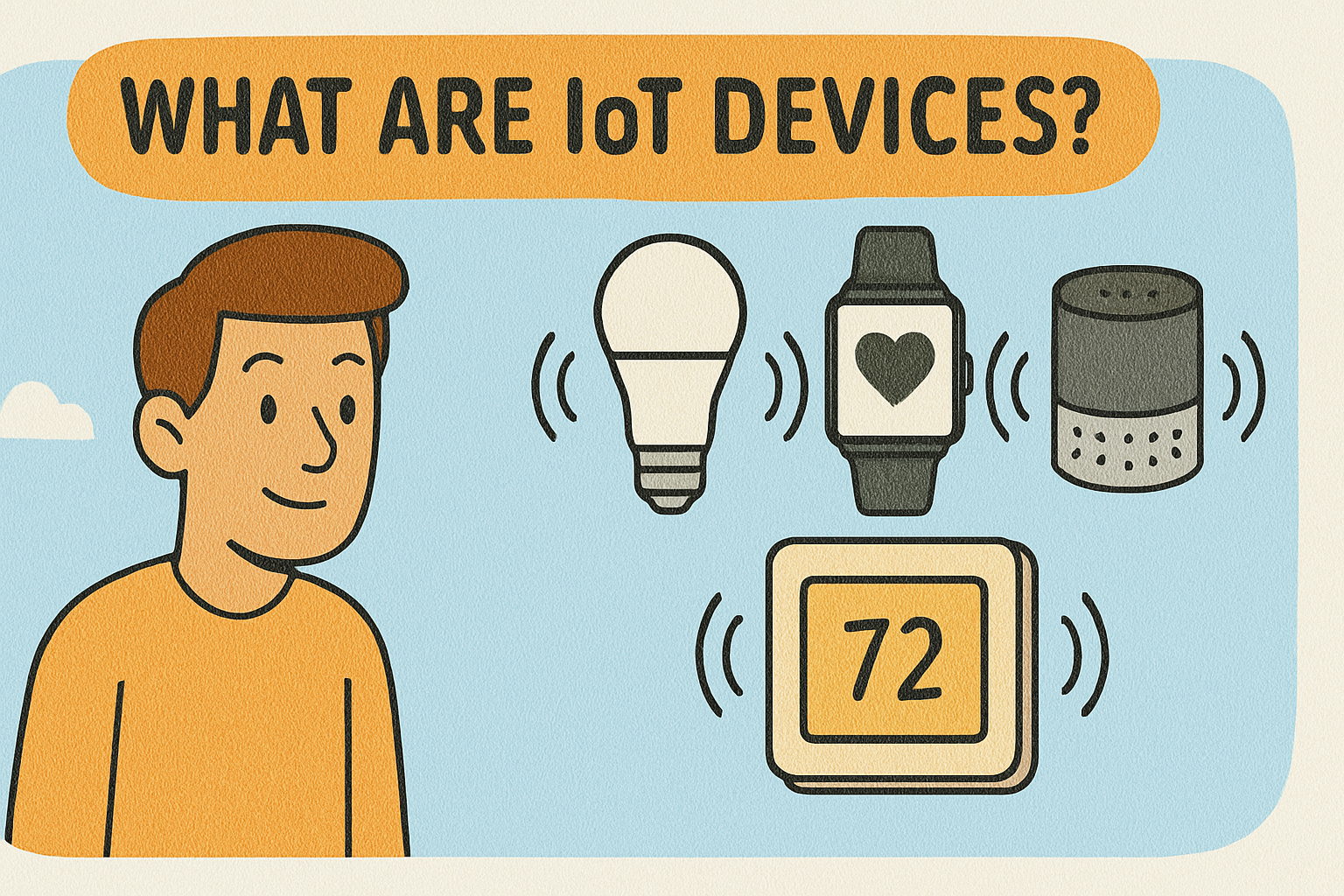
- IoT Devices: Power smart environments.
⚙️ Buying the Right Hardware: What to Consider
Before investing in hardware, assess:
- ✅ Compatibility with current systems
- ✅ Performance specs (RAM, CPU cores, speed)
- ✅ Security features (TPM, secure boot)
- ✅ Future scalability
- ✅ Warranty and vendor support
Pro Tip: Don’t just buy hardware—invest in hardware that aligns with your business goals and IT strategy.
💡 Hardware vs Software: Know the Difference
| Category | Hardware | Software |
| Definition | Physical device | Set of instructions (programs) |
| Examples | CPU, RAM, Router | OS, Antivirus, Web browser |
| Modification | Needs replacement or upgrades | Can be updated or patched |
| Dependency | Can exist without software | Cannot run without hardware |
💬 How to Maintain Hardware Performance
To ensure hardware longevity and performance:
- 🧽 Clean internal components regularly (dust buildup affects airflow).
- 🔁 Update firmware for routers, GPUs, etc.
- ❄️ Ensure proper cooling to avoid overheating.
- 🔒 Use surge protectors to prevent damage from power spikes.
- 🧰 Replace aging components before they fail.
📣 Ready to Optimize Your Infrastructure?
Now that you know what is hardware and how it underpins every digital interaction, it’s time to ensure your infrastructure is secure, scalable, and smart.
👉 Request a free demo with Xcitium and learn how we help businesses like yours secure both hardware and software across your enterprise.
❓ FAQ: What is Hardware?
1. What is the simple definition of hardware?
Hardware refers to the physical components of a computer or device, such as the monitor, keyboard, processor, and hard drive.
2. What are examples of internal hardware?
Common examples include the CPU, RAM, motherboard, and internal storage drives like SSDs or HDDs.
3. What are external hardware components?
These are peripherals like the keyboard, mouse, monitor, and external hard drives that connect to a computer system externally.
4. How is hardware different from software?
Hardware is physical, while software is a set of instructions or programs that tell the hardware what to do.
5. Why is hardware security important?
Hardware security protects systems from physical tampering, enhances data encryption, and provides hardware-level safeguards against cyberattacks.