What’s a URL? The Ultimate Guide to Understanding Web Addresses
Updated on July 10, 2025, by Xcitium
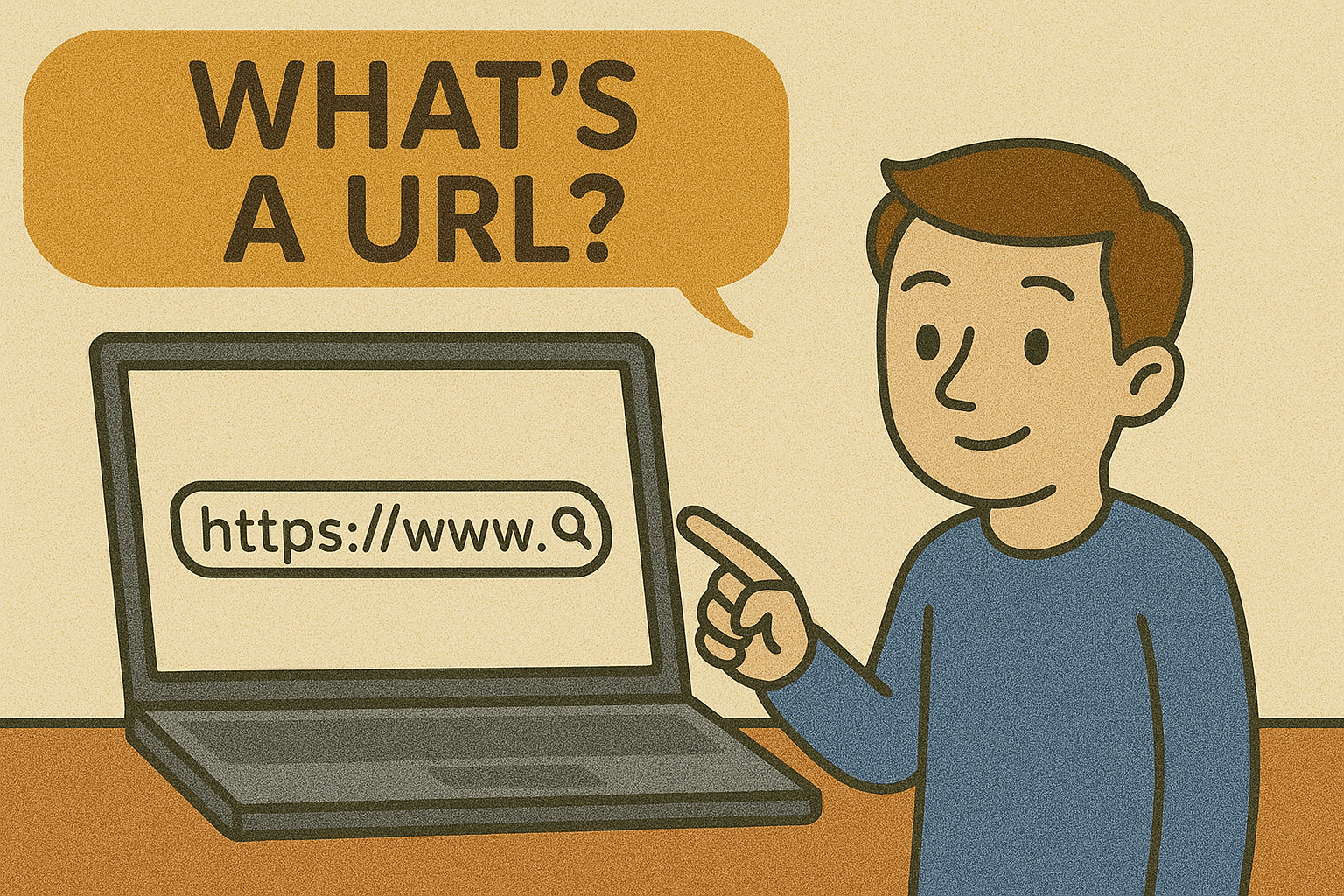
Have you ever wondered, “Whats a URL?” Maybe you’ve heard the term thrown around in IT meetings or read it while setting up a website. URLs are the addresses of the internet—without them, navigating the web would be nearly impossible.
In this blog, we’ll break down everything you need to know about URLs—from what they are, how they work, to what is my URL and how to use it effectively. Whether you’re a tech novice or a cybersecurity expert, this guide is for you.
What Does URL Stand For?
URL stands for Uniform Resource Locator. It’s the address you type into your browser to visit a specific web page.
Think of it like your home address—but instead of guiding a mailman to your house, it guides your browser to a website.
Example: https://www.xcitium.com is a URL.
What’s a URL and Where Is It Located?
A URL is located in the address bar of your web browser. When you visit any website—Google, Facebook, or your company portal—that long string at the top? That’s the URL.
Common locations you’ll find a URL:
- In your browser’s address bar
- Embedded in email links
- Attached to social media posts
- Behind clickable buttons or CTAs
Anatomy of a URL: Understanding Its Parts
Let’s dissect this example:
https://www.xcitium.com/blog/what-is-url
Here’s what each part means:
| Part | Description |
| https | Protocol (secure browsing) |
| www | Subdomain (optional) |
| xcitium.com | Domain name (the “site”) |
| /blog/what-is-url | Path (specific page or location) |
These components help browsers and servers communicate securely and effectively.
Types of URLs with Examples
Here are 10 examples of URL types to help you understand their versatility:
- Homepage: https://www.example.com
- Blog Post: https://www.example.com/blog/what-is-url
- Login Page: https://accounts.example.com/login
- Search Query: https://www.google.com/search?q=cybersecurity
- Social Media Profile: https://twitter.com/username
- E-Commerce Product Page: https://store.example.com/product/12345
- Contact Page: https://www.example.com/contact
- Download Link: https://files.example.com/download/report.pdf
- Secure File Share: https://drive.google.com/file/d/abc123
- Dynamic URL: https://example.com/page?id=9876&user=admin
How to Find Your URL
On a browser:
- Simply look at the address bar at the top of the browser window.
On mobile:
- Tap the address bar in Safari or Chrome to reveal the full URL.
To share your URL:
- Copy it from the address bar and paste it into an email, message, or document.
Why URLs Matter in Cybersecurity
URLs are not just addresses—they’re gateways to information. That’s why hackers often exploit URLs using phishing techniques and malicious links.
Security tips:
- Always check the URL spelling before clicking.
- Look for https to confirm it’s a secure site.
- Hover over links before clicking to verify authenticity.
- Use anti-malware software to scan unsafe URLs.
Cybersecurity teams monitor URL activity to prevent data breaches and ensure safe browsing across networks.
Best Practices for URL Usage
- Keep it simple: Use clear, readable words.
- Avoid unnecessary characters: No long strings of random numbers or symbols.
- Use HTTPS: Always secure your site with an SSL certificate.
- Use hyphens for separation: e.g., /what-is-url, not /whatisurl.
- Create SEO-friendly URLs: Include keywords relevant to the page content.
Bonus Tip: Bookmark important URLs in your browser for quick access.
Final Thoughts & CTA
So, what’s a URL? It’s more than a line of text—it’s a powerful tool for navigating, securing, and managing the web. From understanding its components to applying it in professional IT environments, a solid grasp of URL mechanics is crucial.
Whether you’re a business owner, IT manager, or cybersecurity professional, managing URLs properly can enhance security, user experience, and search visibility.
🔐 Ready to Take URL Security to the Next Level?
Protect your digital infrastructure with Xcitium’s advanced cybersecurity solutions.
FAQs
1. What does URL stand for?
URL stands for Uniform Resource Locator—a web address that directs you to a specific internet resource.
2. Where is a URL located?
It’s typically found in the address bar of your web browser.
3. What is my URL?
Your URL is the web address of the page you’re currently viewing or the address of a site you’ve created or shared.
4. Can I change a URL?
Yes, if you own the domain or web page. On platforms like WordPress, you can customize URLs for SEO.
5. Are all URLs safe to click?
No. Always verify the source. Use https, hover over links before clicking, and install security tools to check suspicious URLs.