What Is a Thread in Programming? A Complete Beginner’s Guide
Updated on July 23, 2025, by Xcitium
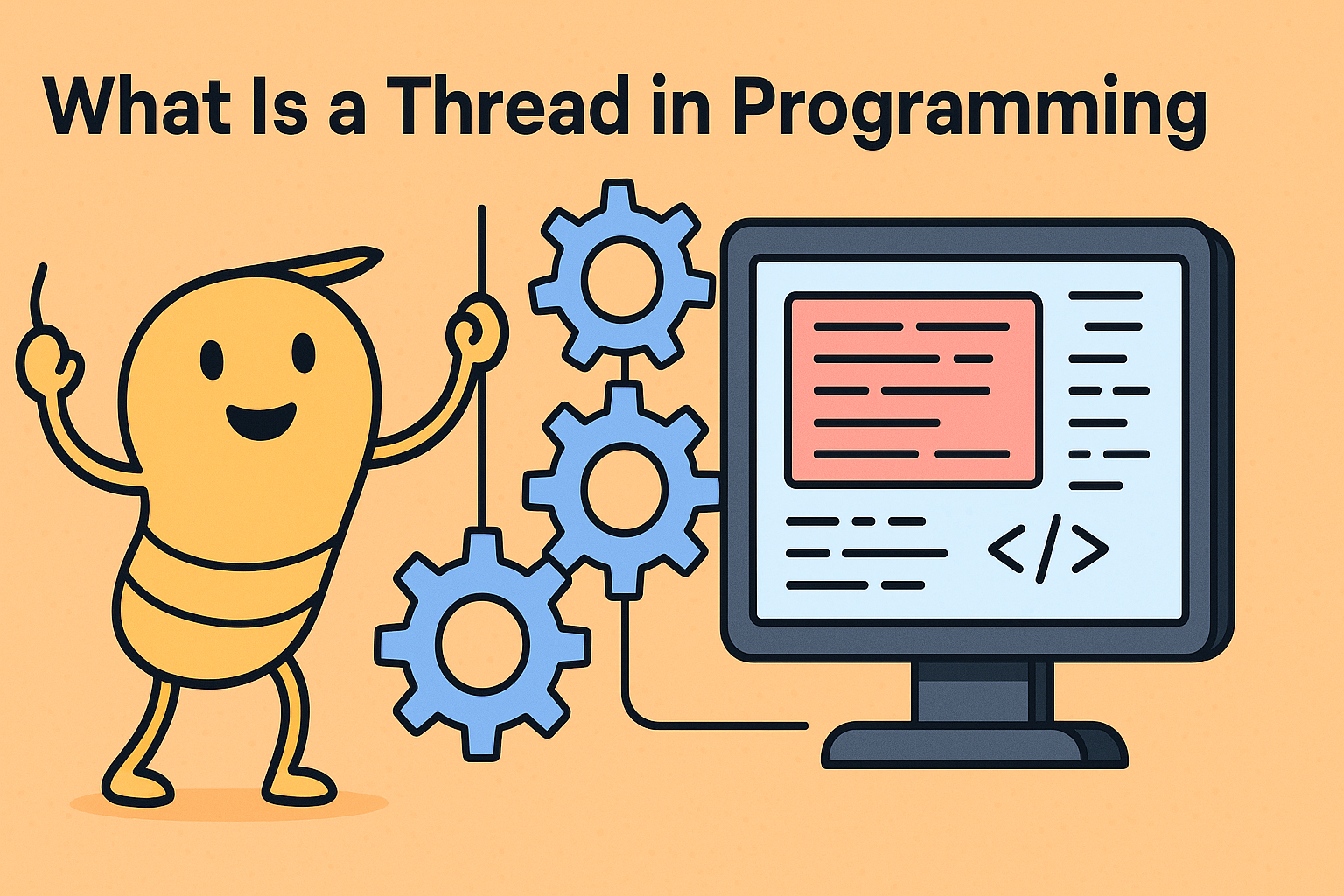
If you’ve ever wondered what is a thread in programming, you’re not alone. In today’s fast-paced software world, applications need to do multiple things at once—whether it’s loading images while fetching data, handling user inputs while processing logic, or running background tasks. This is where threads come in.
A thread in programming is the smallest sequence of programmed instructions that can be managed independently by a scheduler, often within a process. Understanding threads can help developers write more efficient, responsive, and scalable applications.
🧵 What Is a Thread in Programming?
A thread is a lightweight subprocess, a smaller unit of a process that can run concurrently with other threads within the same application. Modern operating systems and CPUs allow for multithreading, which enables multiple threads to run at the same time, enhancing performance and responsiveness.
Example:
Imagine a music app:
- One thread plays the audio,
- Another listens for user input (pause, play, volume),
- Another updates the UI.
All of this happens simultaneously thanks to threads.
🔄 Threads vs Processes
Understanding the difference is key:
| Feature | Thread | Process |
| Memory | Shared within the same process | Isolated between processes |
| Execution Time | Faster (less overhead) | Slower (more overhead) |
| Communication | Easier via shared memory | Needs inter-process communication |
| Crash Impact | May crash part of app | One process crash doesn’t affect others |
Threads share the same memory space, whereas processes are completely separate.
🧠 What Is a Thread in Operating System?
In the context of an Operating System (OS), a thread is the smallest unit of CPU execution. Operating systems like Windows, Linux, and macOS use thread scheduling to determine how CPU time is distributed across multiple threads and processes.
Multithreading in OS enhances performance by enabling multiple tasks to be performed concurrently, especially on multi-core processors.
☕ What Is Thread in Java?
Java supports multithreading, making it easy to perform multiple tasks simultaneously. In Java, there are two ways to create threads:
- Extending the Thread class
public class MyThread extends Thread {
public void run() {
System.out.println(“Thread running…”);
}
}
- Implementing the Runnable interface
public class MyRunnable implements Runnable {
public void run() {
System.out.println(“Runnable thread running…”);
}
}
You then start the thread using start() method:
MyThread t = new MyThread();
t.start();
🧩 Types of Threads in OS
Operating systems generally support two main types of threads:
1. User-Level Threads (ULT)
- Managed by the application, not visible to the OS.
- Lightweight but limited in performance.
2. Kernel-Level Threads (KLT)
- Managed by the operating system.
- More powerful, but with higher overhead.
Some OS implementations use hybrid models for balancing control and efficiency.
🚀 Benefits of Using Threads
Why use threads? Here’s what they offer:
- Improved Application Responsiveness
- Better Resource Utilization
- Faster Execution through Parallelism
- Simplified Code for Asynchronous Tasks
- Enhanced Performance on Multi-core CPUs
Threads are especially useful in networking, gaming, UI development, and background computation.
💡 Real-World Examples of Threads
- Web Browsers: Loading images and rendering HTML in separate threads.
- Gaming Engines: Separate threads for audio, graphics, and user input.
- Mobile Apps: Async tasks like fetching data from APIs.
⚠️ Common Challenges with Threads
Despite their benefits, threads aren’t without problems:
- Race Conditions: When two threads access shared data simultaneously.
- Deadlocks: When two threads wait on each other forever.
- Context Switching: Can slow down performance if overused.
- Debugging Complexity: Hard to trace issues in multithreaded code.
To avoid these issues, use thread-safe code, proper synchronization, and testing tools.
✅ Pro Tips for Working with Threads
- Use high-level libraries or frameworks (e.g., Java’s ExecutorService)
- Avoid shared state where possible
- Test under load to reveal concurrency bugs
- Use thread pools to manage resources
- Profile performance to ensure you’re not over-threading
📣 Final Thoughts
Understanding what is a thread in programming is critical for writing modern, efficient software. Threads help improve performance, responsiveness, and user experience—especially in complex, real-time applications.
If you’re managing systems at scale or developing enterprise-grade software, optimizing thread usage isn’t just a performance tweak—it’s a necessity. And securing those systems is equally important.
🔐 Want to Secure Multithreaded Systems from Cyber Threats?
Discover how Xcitium protects high-performance systems with real-time threat detection and zero-trust isolation.
👉 Request a Free Demo from Xcitium
❓ Frequently Asked Questions (FAQs)
1. What is a thread in programming with example?
A thread is a unit of execution. For example, in a chat app, one thread handles message sending while another updates the UI.
2. What is a thread in operating system?
In OS, a thread is the smallest unit of CPU execution and scheduling.
3. What is thread in Java?
Java threads allow concurrent task execution. You can create threads using Thread class or Runnable interface.
4. What are the types of threads in OS?
Mainly two types: User-level threads (ULT) and Kernel-level threads (KLT).
5. Why use threads in programming?
Threads improve performance, responsiveness, and scalability of applications.